
Best SSD Cache for a NAS in 2026: L2ARC, SLOG & When You Actually Need One
 9 min read
1,700 words
9 min read
1,700 words
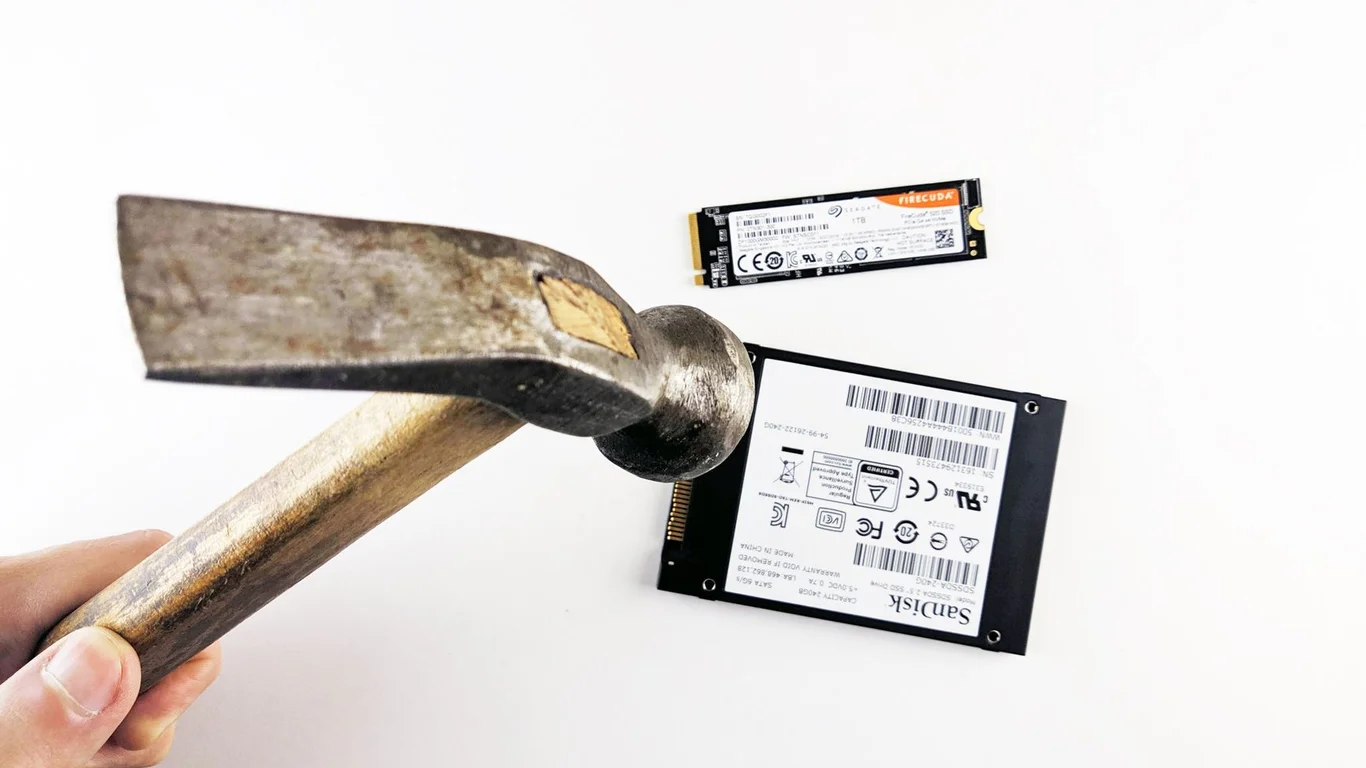
If you’re running TrueNAS or another ZFS-based system and wondering whether an SSD cache will speed up your NAS, the short answer is: it depends entirely on your workload, and more often than not, adding RAM is a better investment. L2ARC (read cache) and SLOG (write log) are powerful tools, but they are frequently misapplied, leading to wasted money and minimal performance gain. This guide cuts through the marketing hype to explain exactly when an SSD cache helps, when it hurts, and which drives are worth buying in 2026.
What Does L2ARC (Read Cache) Actually Do in TrueNAS?
L2ARC stands for Level 2 Adaptive Replacement Cache. It’s a read cache that sits between your system RAM (ARC) and your pool of spinning hard drives. When you access a file, ZFS checks ARC first. If it’s not there, it checks L2ARC. If it’s still not there, it goes to the main storage pool.
The key detail most guides skip: L2ARC is not a magic speed-up button. It uses a portion of your system RAM just to index the data stored on the SSD. The general rule from the TrueNAS community is that you should not consider L2ARC unless you have at least 64GB of RAM. With less memory, the indexing overhead can actually slow down your system because the ARC itself shrinks to accommodate the L2ARC index.
Adding L2ARC to a system with 16GB or 32GB of RAM often degrades performance. The metadata overhead consumes precious ARC space, and the cache hit rate stays low because the index is too small to be effective. More RAM is almost always a better upgrade.
When L2ARC Makes Sense
L2ARC shines in specific scenarios: you have a large dataset (multiple terabytes) that is frequently read but rarely written, and your active working set is too large to fit in RAM. Examples include a media library accessed by Plex or Jellyfin with many concurrent users, or a file server with dozens of people opening the same large project files repeatedly.
What Does SLOG (Write Cache/Log) Actually Do?
SLOG stands for Separate Intent Log. Despite what the name “write cache” implies, it does not speed up all writes. SLOG only accelerates synchronous writes — the type of writes used by NFS, iSCSI, and database applications like PostgreSQL or MySQL. For typical home NAS workloads like SMB file transfers, writes are asynchronous, and the SLOG device is barely touched.
When a synchronous write arrives, ZFS writes it to the SLOG device first (for crash safety), then later flushes it to the main pool. A fast SLOG dramatically reduces latency for sync writes, but it does nothing for the sequential write speed of a large file copy over SMB.
Why Consumer SSDs Fail as SLOG Devices
This is the most critical hardware consideration: a SLOG device must have power-loss protection (PLP). Consumer SSDs like the Samsung 870 EVO or WD Blue lack PLP capacitors. If the power drops while data is in the SLOG buffer, that data can be corrupted or lost entirely. ZFS is designed to handle this gracefully, but the risk is real and defeats the purpose of having a dedicated log device.
Safe SLOG Picks
- Intel Optane 900P/905P (best latency)
- Intel D3-S4510/S4610 (enterprise SATA)
- Samsung PM983/PM9A3 (enterprise NVMe)
Avoid These as SLOG
- Samsung 870 EVO (no PLP)
- WD Blue SN580 (no PLP)
- Any consumer QLC drive
Intel Optane memory is the gold standard for SLOG because of its extremely low latency and inherent power-loss safety. A 32GB or 64GB Optane module on an M.2 adapter is often cheaper and more effective than a large enterprise SSD. You don’t need 500GB for SLOG — the device only needs to hold a few seconds of write data, typically 10-20GB is plenty.
Why More RAM Beats Adding an SSD Cache Entirely
ZFS is famously RAM-hungry for good reason. The ARC (Adaptive Replacement Cache) is incredibly efficient at caching frequently accessed data. Every gigabyte of RAM you add to your TrueNAS system can hold significantly more hot data than the same dollar amount spent on an SSD.
Consider this: a 1TB Samsung 870 EVO costs around $80-$100. For that same budget, you can upgrade from 16GB to 32GB of DDR4 ECC RAM (typically $50-$70) and still have money left over. The RAM upgrade will reduce latency for every read request, not just the ones that happen to be cached on the SSD.
- RAM upgrade path: Start with 32GB, move to 64GB, then 128GB if your motherboard supports it. Each step improves ARC hit rates directly.
- L2ARC only after 64GB: Only consider adding an L2ARC SSD once you have at least 64GB of RAM and your ARC hit rate is below 90%.
- SLOG only for sync workloads: Only add SLOG if you run NFS, iSCSI, or databases. For SMB file sharing, skip it entirely.
If you’re building a new system, check our Best CPU for TrueNAS in 2026 guide to ensure your motherboard supports enough RAM slots for future expansion. A platform that maxes out at 32GB is a poor candidate for SSD caching.
Best SSD Cache Recommendations for 2026
If you’ve confirmed that your workload genuinely benefits from an SSD cache (high RAM, sync writes, or a large read-intensive dataset), here are the drives worth buying.
| Use Case | Recommended Drive | Capacity | Typical Price |
|---|---|---|---|
| L2ARC (read cache) | Samsung 870 EVO or WD Blue SN580 | 500GB – 2TB | $50 – $150 |
| SLOG (write log) – Best Value | Intel Optane 900P (M.2 or U.2) | 32GB – 118GB | $30 – $80 (used) |
| SLOG (write log) – Enterprise | Intel D3-S4510 (SATA) or Samsung PM983 (NVMe) | 240GB – 480GB | $60 – $120 |
| L2ARC + SLOG (combined) | Samsung PM9A3 (NVMe, 2.5″ U.2) | 960GB – 1.92TB | $150 – $300 |
For L2ARC, a larger capacity is generally better because it holds more cached data. For SLOG, capacity is irrelevant — speed and power-loss protection matter. A 32GB Optane is often perfect. Also note that adding an SSD cache increases your NAS’s power draw by 2-8W, which adds up over a year. See our guide on reducing NAS power consumption for context.
Do I Need an SSD Cache? A Decision Flow
Use this quick checklist to decide whether to invest in an SSD cache or put that money elsewhere.
Add SSD Cache If…
- You have 64GB+ RAM and ARC hit rate is below 90%
- You run NFS or iSCSI with many concurrent users
- You run databases (PostgreSQL, MySQL) on your NAS
- You have a large media library accessed by many clients simultaneously
Skip SSD Cache If…
- You have less than 32GB RAM
- You only use SMB file sharing for a few users
- Your NAS is a backup target (write-once, read-rarely)
- You’re on a tight budget — buy more RAM first
For most home users running TrueNAS or Unraid, the answer is clear: skip the SSD cache and put that money into RAM or larger hard drives. If you’re comparing operating systems, our TrueNAS vs Unraid comparison explains how each handles caching differently.
Bottom Line: Which SSD Cache Should You Choose?
For 90% of homelab users, the best “SSD cache” is no SSD cache at all — it’s more RAM. If you have 64GB+ RAM and a genuine need for read caching, grab a Samsung 870 EVO or WD Blue SN580 for L2ARC. If you need a SLOG for sync writes, buy a used Intel Optane 900P (32GB-118GB) for under $80. Never use a consumer SSD without power-loss protection as a SLOG device. And always remember: RAID protects against drive failure, not data loss. Even with caching, maintain a separate backup strategy — our RAID 1 vs RAID 5 guide can help you choose the right redundancy level for your pool.
Frequently Asked Questions
Do I need an SSD cache for my NAS?
For most home users, no. An SSD cache (L2ARC or SLOG) only helps in specific scenarios: you have at least 64GB of RAM and your ARC hit rate is below 90% (for L2ARC), or you run synchronous write workloads like NFS, iSCSI, or databases (for SLOG). If you use SMB file sharing for media or backups, adding an SSD cache will not noticeably improve performance. A better investment is usually more RAM or faster hard drives.
What’s the difference between L2ARC and SLOG?
L2ARC is a read cache that stores frequently accessed data on an SSD to reduce load times from slow hard drives. It requires a significant amount of RAM (64GB+) to index effectively. SLOG is a write log that accelerates synchronous writes by providing a fast, power-safe buffer before data is written to the main pool. SLOG does not speed up asynchronous writes (like SMB file copies). The two serve completely different purposes and are not interchangeable.
Can I use any SSD as a ZFS cache device?
For L2ARC, yes — any SSD will work, including consumer models like the Samsung 870 EVO or WD Blue. For SLOG, no. A SLOG device must have power-loss protection (PLP) to prevent data corruption during a sudden power failure. Consumer SSDs lack PLP capacitors and are unsafe for SLOG duty. Recommended SLOG drives include Intel Optane (900P/905P), Intel D3-S4510, or Samsung PM983/PM9A3 enterprise SSDs.
Will adding an SSD cache make my NAS faster?
It depends on your workload. If your NAS has less than 64GB of RAM, adding L2ARC can actually slow things down due to indexing overhead. If you only do SMB file transfers, neither L2ARC nor SLOG will help. For specific workloads like NFS with many users, databases, or a large media library with concurrent access, an SSD cache can reduce latency by 30-70%. Always measure your current ARC hit rate and sync write load before buying hardware.
Last verified: July 09, 2026. Specifications cross-checked against manufacturer documentation where available.
🛡 Shop Recommended Hardware
Prices and stock verified regularly by our affiliate partners. As an affiliate, HomeLabCost may earn a commission on qualifying purchases at no extra cost to you.
Browse Hardware Picks →
homelabcost
HomeLabCost editor covering NAS builds, hardware selection, and homelab server setup guides.