
Best 8-Bay NAS in 2026: High-Capacity Picks for Growing Libraries
 10 min read
1,824 words
10 min read
1,824 words
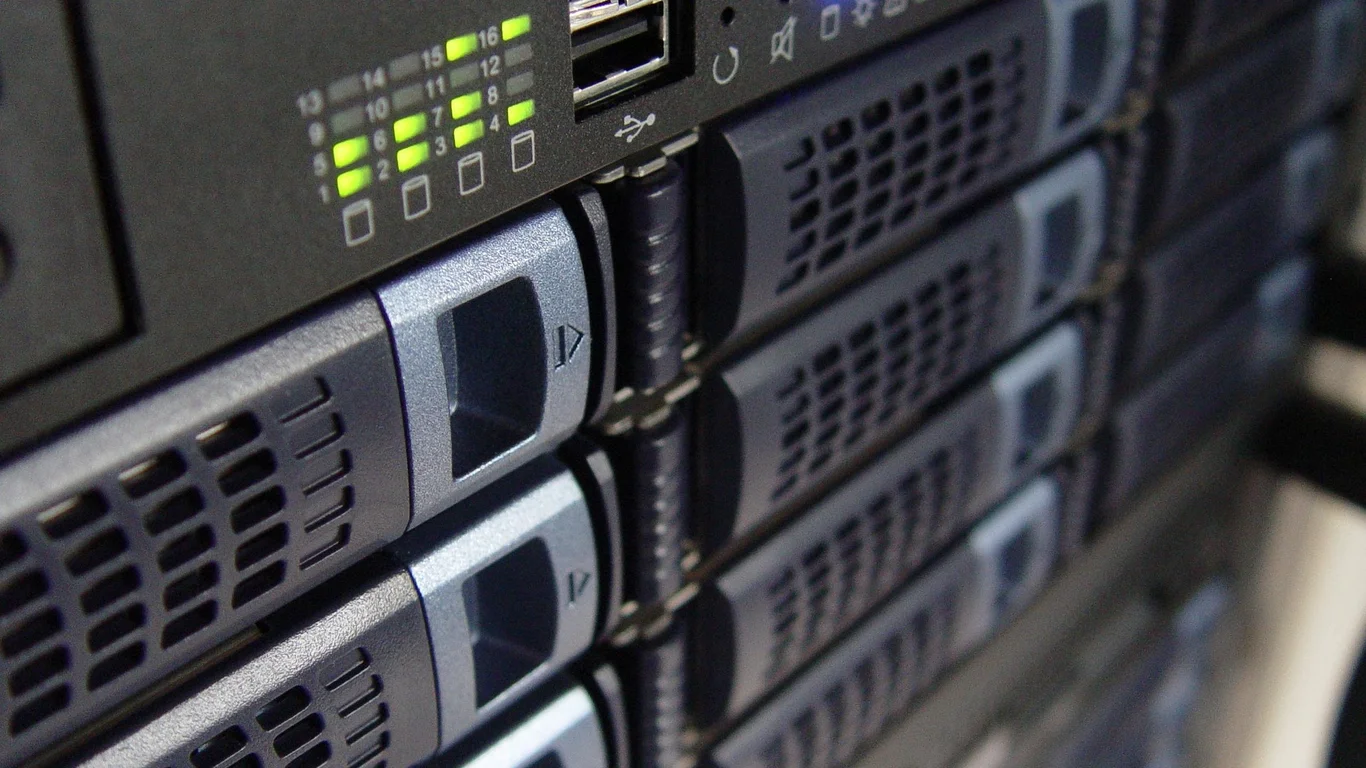
If you are reading this, you have likely hit the wall that every serious homelabber eventually hits: your 4-bay NAS is full, your users are complaining about slow transfers during Plex playback, and you are juggling drives like a circus act. An 8-bay NAS is not a luxury; it is the sensible next step when your storage needs outgrow what four spindles can provide. This guide will walk you through the best prebuilt 8-bay NAS options in 2026, focusing on when you actually need this much capacity, what hardware specs matter at this scale, and how to avoid common mistakes like underspeccing your RAM or choosing the wrong RAID level. This guide breaks down best 8 bay nas in practical terms.
Signals You Have Actually Outgrown a 4-Bay NAS
Upgrading to an 8-bay NAS is a significant investment, so you want to be sure you need it. Here are the three most common triggers that justify the jump.
Capacity Ceiling Reached
A 4-bay NAS with 22TB drives gives you roughly 44TB of usable space in RAID 5 (or 66TB in RAID 0, which you shouldn’t use for important data). Once you hit that ceiling, you have two options: replace all drives with larger ones (expensive and wasteful) or move to an 8-bay chassis. The latter lets you add drives incrementally, often at a lower cost per terabyte than replacing a full set of high-capacity drives.
Multi-User Performance Bottlenecks
If your family of four or small team of five is all streaming 4K video, editing files, and running backups simultaneously, a single 4-bay RAID 5 array can become a bottleneck. With 8 drives in a RAID 6 or RAIDZ2 configuration, you get significantly higher sequential read speeds (often 500-800 MB/s) and better I/O for concurrent access. This is especially noticeable if you are running a Best Plex Server Build 2026: Budget, Mid-Range & 4K Transcoding alongside other services.
Surveillance Retention Needs
Running 4-8 cameras at 4K resolution can eat through 2-4TB per month. A 4-bay NAS might give you 2-3 months of retention. An 8-bay NAS, especially one designed for NVR workloads, can easily provide 6-12 months of footage, which is often required for business or insurance compliance.
If you are only storing a personal media library and accessing it from one or two clients, a well-configured 4-bay NAS with large drives is often sufficient. The jump to 8 bays is primarily about capacity headroom and concurrent user performance.
Top 8-Bay NAS Picks for 2026 by Use Case
Not all 8-bay NAS units are created equal. The best choice depends on whether you need raw storage, virtualization power, or dedicated surveillance features. Below are our top picks for each major scenario.
| Use Case | Top Pick | Key Specs | Starting Price |
|---|---|---|---|
| Best Overall | Synology DS1823xs+ | AMD Ryzen V1780B, 8GB ECC (expandable to 32GB), 2x M.2 NVMe slots, 10GbE | ~$1,800 |
| Best for Virtualization/VMs | QNAP TS-873AeU | AMD Ryzen V1500B, 8GB (expandable to 64GB), 2x 2.5GbE, PCIe Gen3 x4 | ~$1,400 |
| Best for Surveillance/NVR | Synology DS1823xs+ (with Surveillance Station) | Same as above, supports up to 40 IP cameras with license pack | ~$1,800 + licenses |
| Best Value Prebuilt | Terramaster F8-423 | Intel Celeron N5095, 8GB, 2x 2.5GbE, 2x M.2 NVMe | ~$700 |
Synology DS1823xs+ Strengths
- ECC RAM support for data integrity
- Excellent DSM software ecosystem with Docker and VMM
- 10GbE out of the box
- Strong support community and long update lifecycle
Synology DS1823xs+ Weaknesses
- Higher price than competition
- Limited expansion beyond 8 bays (only via DX517, which adds 5 bays)
- BTRFS not as mature as ZFS for some advanced features
RAM and CPU Considerations That Matter More at 8 Bays
When you move to 8 drives, the workload on your NAS changes. You are no longer just serving files to one or two people. You are likely running multiple containers, a Plex server, maybe a database, and handling simultaneous backups. This demands more from the CPU and RAM than a 4-bay unit.
CPU: Look for x86, Not ARM
At the 8-bay level, avoid ARM-based processors. They lack the single-threaded performance needed for fast file transfers and struggle with Docker containers. Look for an Intel Celeron N5095 or better, or an AMD Ryzen V1000 series. The Ryzen V1500B in the QNAP TS-873AeU is a solid mid-range choice. For heavy virtualization, you want a CPU with at least 4 cores and 8 threads.
RAM: 8GB Minimum, 16GB+ Recommended
With 8 drives and multiple users, 8GB of RAM is the absolute floor. For a system running Docker containers, a Plex server, and ZFS (if you use it), 16GB is the sweet spot. If you plan to run VMs, go for 32GB or more. ECC RAM is a nice-to-have for data integrity, especially if you are using ZFS, but it is not strictly required for most homelab use cases.
If you are building a high-capacity NAS for a small business or critical data, invest in ECC RAM. ZFS uses RAM for its ARC cache, and a single bit flip in memory can corrupt a checksum. For a home Plex server, non-ECC is perfectly fine — the risk is minimal and the cost savings are significant.
RAID 6/RAIDZ2: The Sensible Default at 8 Drives
With eight drives, the rebuild time after a failure becomes a real concern. A 10TB drive can take 12-24 hours to rebuild in a RAID 5 array, leaving your data exposed to a second failure. RAID 6 (or RAIDZ2 in ZFS) tolerates two simultaneous drive failures, which is the standard recommendation for arrays of 6 or more drives.
RAID 6 vs. RAIDZ2 at 8 Drives
RAID 6 is available on most Synology and QNAP units. It gives you (n-2) drives of usable capacity — so with 8x 20TB drives, you get about 120TB usable. RAIDZ2 is the ZFS equivalent and offers similar protection. The key difference is that ZFS checksums all data, so it can detect and correct silent data corruption, which RAID 6 cannot. If data integrity is your top priority, ZFS (via TrueNAS or a custom build) is the better choice.
What About RAID 10?
RAID 10 (striped mirrors) gives you excellent performance and tolerates up to 4 drive failures (if they are in different mirrored pairs). However, it only gives you 50% usable capacity — 4 out of 8 drives. This is a good choice for high-performance databases or VMs, but it is wasteful for bulk media storage. Stick with RAID 6 for general use.
Expansion Unit Compatibility for Future Growth
One of the best reasons to buy an 8-bay NAS is that it often supports expansion units, letting you grow to 12, 16, or even 20 bays without buying a whole new chassis. This is a major advantage over a 4-bay unit, which typically only supports one expansion unit.
Synology Expansion Options
The Synology DS1823xs+ supports the DX517 expansion unit, which adds 5 bays via eSATA. This gives you a total of 13 bays. The expansion unit is not a separate NAS — it is just a drive shelf. You can create a single volume across both the main unit and the expansion, but note that the connection is limited to eSATA speed (6Gbps).
QNAP Expansion Options
QNAP offers a wider range of expansion units, including the TR-004 (4-bay) and TL-D800C (8-bay). The TS-873AeU supports up to 2 expansion units via USB 3.2 Gen 2 (10Gbps). This gives you a theoretical maximum of 24 drives. However, mixing USB connections for storage can introduce latency, so it is best used for bulk data, not performance-critical workloads.
Expansion units are not a substitute for a backup. If the main NAS fails, the expansion unit’s data is usually inaccessible until the main unit is repaired or replaced. Always maintain a separate backup strategy.
Bottom Line: Which 8-Bay NAS Should You Choose?
For most homelabbers who have outgrown a 4-bay unit, the Synology DS1823xs+ is the best all-around choice. It offers ECC RAM, 10GbE, excellent software (DSM), and a strong community. If you are on a tighter budget, the Terramaster F8-423 is a capable value option that still handles Docker and Plex well.
If virtualization is your primary use case, go with the QNAP TS-873AeU for its expandable RAM and PCIe slot. For a pure surveillance system, the Synology DS1823xs+ with Surveillance Station is hard to beat. And if you are building a custom server for maximum flexibility, consider a TrueNAS build with an 8-bay chassis and a Ryzen CPU — but that is a different guide entirely.
Frequently Asked Questions
When do I actually need an 8-bay NAS instead of 4-bay?
You need an 8-bay NAS when you have hit the capacity ceiling of a 4-bay (typically 40-60TB usable) and cannot easily upgrade, or when you have multiple users (3+) accessing the NAS simultaneously for tasks like 4K streaming, file editing, and backups. Another clear signal is needing long-term retention for surveillance footage — 8 cameras at 4K can fill a 4-bay unit in 2-3 months. The jump to 8 bays gives you room to grow and better multi-user performance.
What RAID level should I use with 8 drives?
For 8 drives, RAID 6 (or RAIDZ2 in ZFS) is the sensible default. It tolerates two simultaneous drive failures and gives you 75% usable capacity (e.g., 120TB usable from 8x 20TB drives). RAID 5 is too risky at this scale because a rebuild can take 12-24 hours, during which a second drive failure would cause data loss. RAID 10 is an option for high-performance workloads but only gives 50% usable capacity. Stick with RAID 6 for general file storage and media serving.
Is an 8-bay NAS overkill for home use?
For a single user with a modest media library and no need for multi-user access, yes, an 8-bay NAS is overkill. A 4-bay unit with 20TB drives gives you up to 60TB usable in RAID 5, which is plenty for most home users. However, if you have a family of 4-5 who all stream 4K content, edit photos, and run backups, or if you need to store years of high-resolution surveillance footage, an 8-bay NAS is a justified investment. It also future-proofs your setup for 3-5 years of data growth.
Can 8-bay NAS units expand further with add-on units?
Yes, most 8-bay NAS units support expansion via dedicated add-on drive shelves. Synology offers the DX517 (5-bay) via eSATA, giving you a total of 13 bays. QNAP offers several options, including the TL-D800C (8-bay) via USB 3.2 Gen 2, allowing up to 16 or more drives total. These expansion units are not standalone NAS devices — they rely on the main unit for processing. Be aware that the connection speed (eSATA or USB) can be a bottleneck for very high-performance workloads, but for bulk storage, it works well.
Last verified: July 10, 2026. Specifications cross-checked against manufacturer documentation where available.
🛡 Shop Recommended Hardware
Prices and stock verified regularly by our affiliate partners. As an affiliate, HomeLabCost may earn a commission on qualifying purchases at no extra cost to you.
Browse Hardware Picks →
homelabcost
HomeLabCost editor covering NAS builds, hardware selection, and homelab server setup guides.