
Best Plex Server Build 2026: Budget, Mid-Range & 4K Transcoding
 9 min read
1,696 words
9 min read
1,696 words
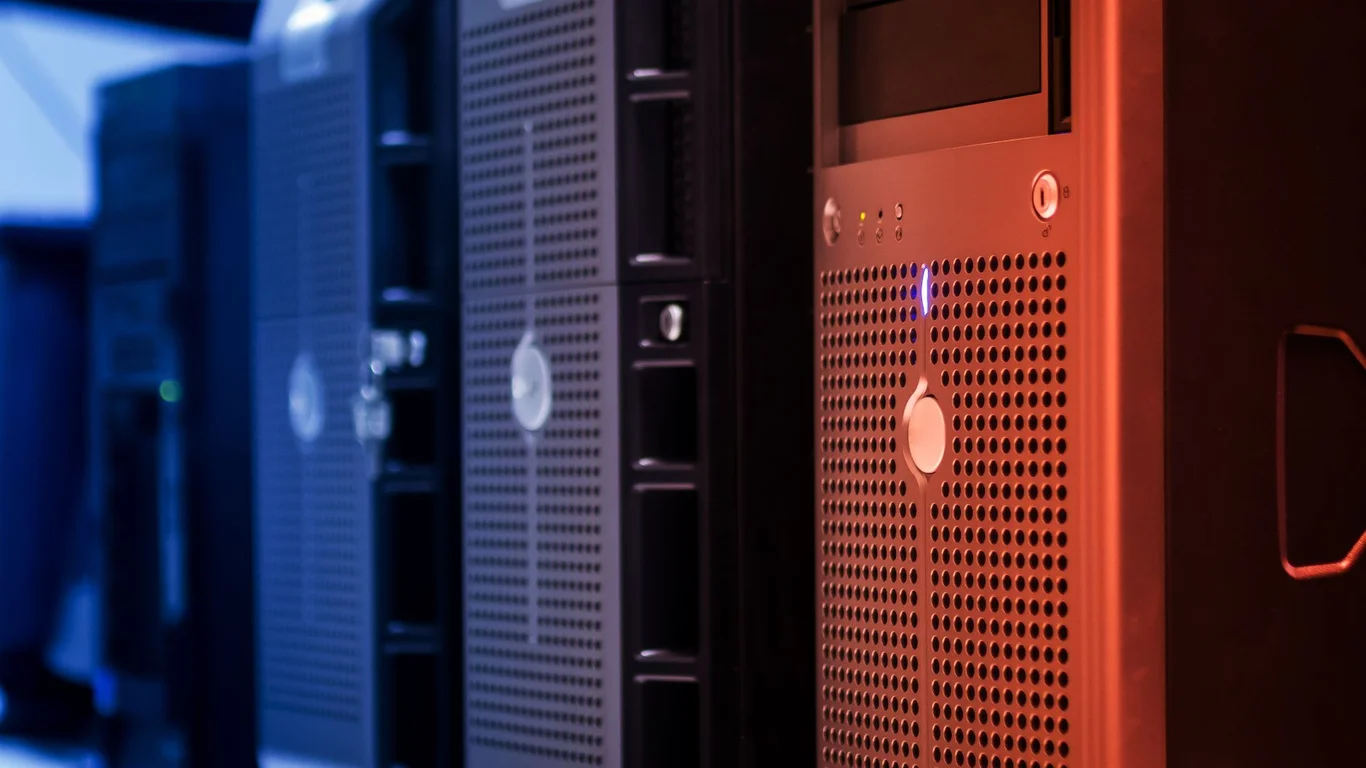
Building a Plex server in 2026 comes down to one question: are you direct-playing your media, or do you need to transcode? That single decision determines whether you can get away with a $300 budget build or need a $900+ 4K transcoding powerhouse. This guide breaks down the best Plex server build for three common scenarios — budget, mid-range, and heavy 4K transcoding — so you can match your hardware to your actual streaming needs.
Direct Play vs. Transcoding: Why This Decides Your Build
Plex can either direct play a file as-is (no CPU work, no quality loss) or transcode it into a different format (heavy CPU/GPU work, possible quality loss). If every client in your house — TVs, phones, tablets — supports the same codecs your media is stored in, you can direct-play everything and use a very low-power CPU. The moment you need to convert a 4K HDR file to 1080p SDR for a remote user or an older TV, you need hardware transcoding.
Direct Play
- No CPU horsepower needed — any modern low-power CPU works
- No quality loss — original bitrate and color preserved
- Ideal for local streaming on modern clients (Apple TV 4K, Nvidia Shield, Roku Ultra, recent smart TVs)
Transcoding
- Requires Intel Quick Sync (or a dedicated GPU) for 4K HDR to 1080p SDR conversion
- Quality loss is unavoidable — tone mapping is especially demanding
- Needed for remote streaming, older clients, or bandwidth-limited connections
💾 Expert Note:
Many first-time builders over-provision for transcoding they never actually need. If you’re streaming only inside your home and your clients are all 2021 or newer, test direct-play first before spending extra on a Quick Sync CPU. You can always add a GPU later if remote streaming becomes necessary.
Plex Server Hardware Requirements by Use Case
Here are the real-world hardware requirements for each scenario. The table below summarizes the three tiers we’ll build in this guide.
| Build Tier | CPU | RAM | Storage | Est. Cost | Max Simultaneous Streams |
|---|---|---|---|---|---|
| Budget (Direct Play) | Intel Celeron N100 / N95 | 8GB DDR4 | 1x 4-8TB HDD | $250–$350 | 3–5 direct play |
| Mid-Range (Light Transcoding) | Intel Core i3-12100 / N305 | 16GB DDR4 | 2x 8TB HDD (RAID 1) | $500–$700 | 4–6 streams, 2–3 transcodes |
| 4K Transcoding Heavy | Intel Core i5-12400 / i7-12700 | 32GB DDR5 | 4x 12TB HDD (RAIDZ1 or RAID 5) | $900–$1,200 | 6–10 streams, 4–5 4K transcodes |
CPU Choice: When You Need Intel Quick Sync
Intel’s Quick Sync Video (QSV) is the single most important feature for a Plex server that transcodes. It offloads video encoding/decoding from the CPU to a dedicated hardware block on the chip. For 4K HDR to 1080p SDR transcoding, you need at least an Intel 11th-gen or newer CPU — the 10th-gen and older Quick Sync units struggle with HDR tone mapping and can’t handle multiple 4K streams.
The Intel N100 (Alder Lake-N) is the surprise star of 2026 budget builds. It has a modern Quick Sync unit that can handle 2–3 simultaneous 4K HDR to 1080p SDR transcodes while drawing only 6–10W idle. If you don’t need transcoding at all, any low-power CPU — even an old Celeron J4125 — works fine. Avoid AMD CPUs for Plex if you plan to transcode, because AMD lacks Quick Sync and forces you to use the GPU or CPU for encoding, which is far less efficient.
Tip:
If you already have an AMD CPU or a non-Quick Sync Intel chip, you can add a low-profile NVIDIA GTX 1650 or Intel Arc A310 for hardware transcoding. Just note that NVIDIA GPUs are limited to 3 simultaneous transcodes unless you use a driver patch.
RAM Sizing for Plex + Other Containers
Plex itself is lightweight — it typically uses 1–3GB of RAM for metadata scanning and buffering. The real RAM draw comes from other services you’ll likely run alongside Plex: Sonarr, Radarr, Prowlarr, qBittorrent, and possibly Home Assistant or a database. For a dedicated Plex-only build, 8GB is enough. For a multi-container setup, 16GB gives comfortable headroom. The 4K build with 32GB accounts for RAM-heavy tasks like photo library indexing or running a few VMs.
Storage: Single Big Drive vs. RAID for a Media-Only NAS
This is where many builders overcomplicate things. For a media-only Plex server where you can re-download any lost content, RAID is optional. A single large drive (e.g., 14TB) is cheaper, simpler, and uses less power than a multi-drive array. RAID 1 (mirror) or RAIDZ1 (single parity) protects against drive failure, but it doesn’t protect against accidental deletion, ransomware, or file corruption — you still need a separate backup.
For the budget build, a single 4–8TB HDD (like the WD Red Plus or Seagate IronWolf) is the sweet spot. The mid-range build uses 2 drives in RAID 1 for basic redundancy. The 4K build uses 4 drives in RAIDZ1 (TrueNAS) or RAID 5, giving you ~36TB usable from 4x12TB drives.
Best Plex Server Build 2026: Three Complete Tiers
Budget Plex Server (~$300) — Direct Play Only
This build is for local streaming to 2–4 devices that all support your media’s codecs. It runs Plex, a download client, and the *arr apps without breaking a sweat.
- Case: Mini PC (Beelink EQ12 or similar Intel N100) — $160–$200
- Storage: 1x 4TB WD Red Plus 3.5″ HDD in a USB 3.0 enclosure — $100
- Total: ~$260–$300
This mini PC idles at 6–8W, so annual electricity cost is under $10. It handles 3–5 direct-play streams easily. If you later need transcoding, you’re out of luck — the N100 can transcode, but the USB drive might bottleneck writes during heavy use.
Mid-Range Plex NAS Build (~$600) — Light Transcoding
This build adds RAID 1 for data safety and an Intel CPU with Quick Sync for occasional 1080p transcoding. It’s the sweet spot for a household of 3–5 people.
- Case + Motherboard + CPU: Used Dell OptiPlex Micro (i5-12500T) — $250–$300 on eBay
- RAM: 16GB DDR4 SODIMM — $30
- Storage: 2x 8TB WD Red Plus in RAID 1 — $260
- Total: ~$540–$590
The i5-12500T has a capable Quick Sync unit that handles 2–3 1080p transcodes or 1 4K transcode. The OptiPlex chassis is compact and quiet. Pair it with a 2-bay USB-C or eSATA enclosure for the drives — or use a 4-bay DAS like the Yottamaster if you want room to grow.
4K Transcoding Heavy Build (~$900+) — Maximum Performance
This build is for households with 4–6 simultaneous users, many of whom need 4K HDR to 1080p SDR transcoding (e.g., remote family members or older TVs). It uses a full tower case for easy expansion and a dedicated Intel CPU with the latest Quick Sync.
- CPU: Intel Core i5-12400 (or i7-12700 for extreme loads) — $150–$220
- Motherboard: ASRock Z690M-ITX/ax or B660M board — $120–$150
- RAM: 32GB DDR5-4800 — $80
- Case + PSU: Fractal Design Node 804 (8-bay) + 400W SFX PSU — $160
- Storage: 4x 12TB Seagate IronWolf Pro in RAIDZ1 (TrueNAS) — $720
- Total: ~$1,230–$1,330
This system can handle 4–5 simultaneous 4K HDR to 1080p SDR transcodes thanks to the i5-12400’s Quick Sync (UHD 730). The Node 804 case supports 8 drives, so you can expand to 8x drives later. If you want to cut costs, drop to 3x 12TB drives in RAIDZ1 (~$540) and use a cheaper case like the Jonsbo N2.
Warning:
Do not use a 10th-gen or older Intel CPU for 4K HDR transcoding. The Quick Sync unit on those chips lacks proper HDR tone mapping support, causing washed-out colors. Stick with 11th-gen or newer — or add a dedicated GPU like an Intel Arc A380 or NVIDIA RTX 3050.
Case and Bay Count Planning for Future Library Growth
A common mistake is buying a 2-bay enclosure and running out of space within a year. If you plan to grow your library, invest in a 4-bay or 6-bay case from the start — even if you only populate 2 drives now. The cost difference between a 2-bay and 4-bay DAS is often only $50–$80, and upgrading later means buying a whole new enclosure.
For the mid-range build, a 4-bay USB DAS (like the Mediasonic ProBox or Yottamaster) costs ~$100 and lets you add drives without rebuilding. For the 4K build, the Node 804 or Jonsbo N2 gives you 8–10 bays for future expansion. If you’re building a custom TrueNAS box, plan for at least 6 bays so you can start with 4 drives in RAIDZ1 and add a vdev later.
Bottom Line: Which Plex Server Build Should You Choose?
Pick the budget mini PC ($300) if you direct-play everything locally and don’t need transcoding. Choose the mid-range OptiPlex + 2-bay DAS ($600) if you want RAID 1 and occasional 1080p transcoding. Go with the 4K tower build ($900+) if you have multiple remote users who need 4K HDR to 1080p SDR transcoding — or if you want room to expand to 8+ drives over time.
Frequently Asked Questions
Do I need a powerful CPU to run Plex?
No — for direct play, any modern low-power CPU (Intel N100, Celeron J4125) works fine. For transcoding, you need Intel Quick Sync from 11th-gen or newer, or a dedicated GPU. A high-end CPU like an i9 is overkill unless you’re running many simultaneous 4K transcodes (more than 5–6).
How many Plex streams can a basic NAS handle?
A basic NAS with an Intel N100 can handle 3–5 direct-play streams or 2–3 1080p transcodes. A mid-range build with an i5-12500T handles 4–6 direct-play streams plus 2–3 transcodes. The 4K build with an i5-12400 can manage 6–10 streams, including 4–5 4K HDR to 1080p SDR transcodes.
Does Plex need RAID or is a single drive fine?
A single drive is fine for a media-only Plex server where content is replaceable. RAID 1 or RAIDZ1 protects against drive failure, which is worth it if you have irreplaceable media (home videos, photos). RAID is not a backup — you still need an external backup for critical data.
Can an Intel N100 handle 4K transcoding?
Yes, the Intel N100 can handle 2–3 simultaneous 4K HDR to 1080p SDR transcodes thanks to its modern Quick Sync unit. It struggles with 4K to 4K transcoding or HDR to SDR with complex tone mapping. For more than 2 concurrent 4K transcodes, step up to an i5-12400 or better.
📋 Sources & Last Verified:
Last verified: July 09, 2026. Specifications cross-checked against manufacturer documentation where available.
🛡 Shop Recommended Hardware
Prices and stock verified regularly by our affiliate partners. As an affiliate, HomeLabCost may earn a commission on qualifying purchases at no extra cost to you.
Browse Hardware Picks →
homelabcost
HomeLabCost editor covering NAS builds, hardware selection, and homelab server setup guides.
2 Comments