
Best CPU for TrueNAS in 2026: From Basic NAS to ZFS Powerhouse
 9 min read
1,741 words
9 min read
1,741 words
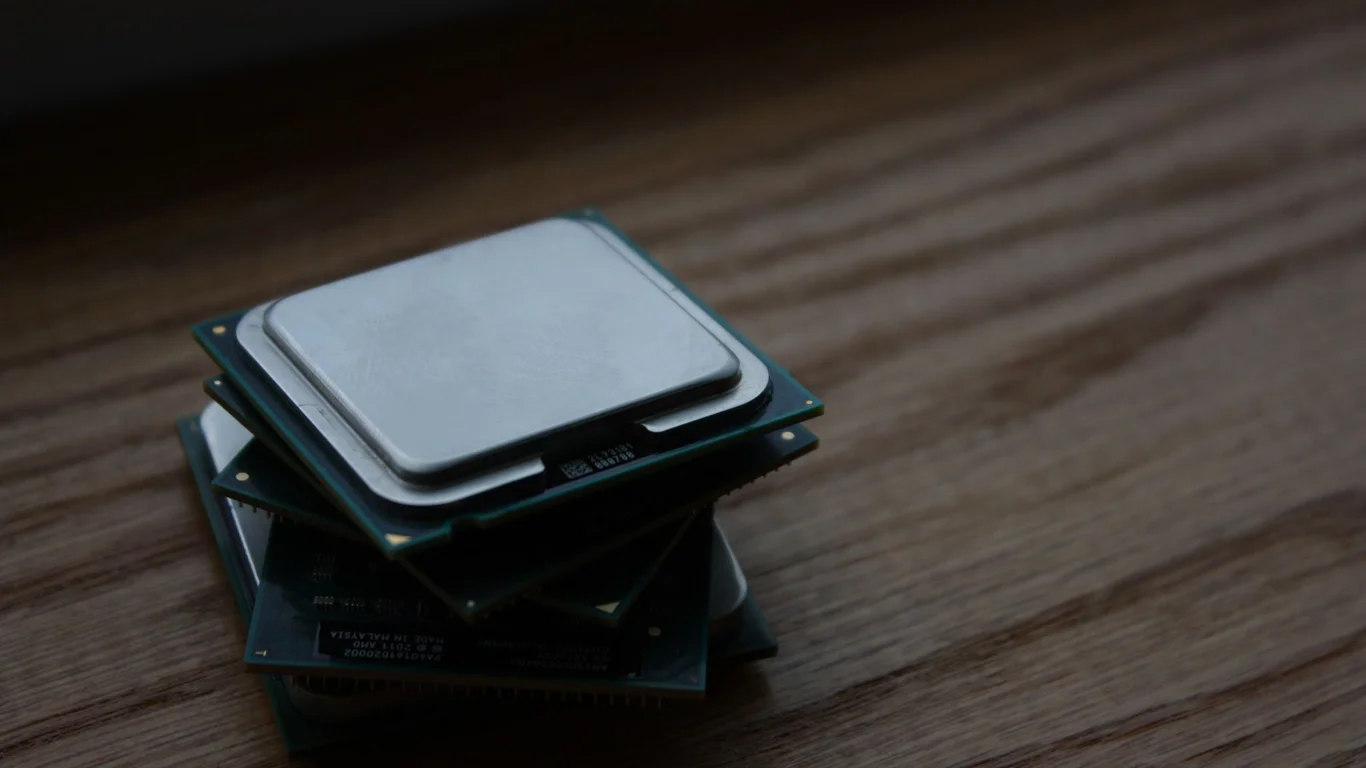
Choosing the best CPU for TrueNAS in 2026 comes down to matching the processor to your specific workload — a basic file server needs far less than a system running Plex, multiple VMs, and heavy Docker containers. This guide breaks down the CPU requirements for ZFS, explains the ECC RAM debate, and gives you clear picks for low-power, mid-range, and high-performance TrueNAS builds.
What TrueNAS Actually Needs From a CPU: ZFS, Encryption, and App Headroom
TrueNAS is built on ZFS, which is a copy-on-write filesystem that does a lot of work in software. The CPU handles checksumming for every block of data read or written, manages the ARC (Adaptive Replacement Cache), and handles encryption if you enable it. For a basic file server with no encryption or compression, a modern dual-core CPU is sufficient for saturating a 1 Gbps link. Once you add LZ4 compression (on by default), encryption, or try to push 10 Gbps networking, the CPU load increases significantly.
For VMs and containers, TrueNAS SCALE uses KVM and Docker respectively. Each VM or containerized app consumes CPU cores and RAM. A single Plex 4K transcode can peg a modern CPU core at 100%. If you plan to run more than a few lightweight containers (Home Assistant, Pi-hole, a single media server), factor in at least 2-4 additional cores beyond what the filesystem needs.
Why ECC RAM Matters More Than Raw CPU Speed for ZFS Integrity
ZFS is designed to protect data integrity from the disk to the application. It checksums every block and can detect and repair silent data corruption — but only if the data in RAM is correct. Non-ECC RAM can introduce bit flips in the ARC, which ZFS will dutifully checksum and write to disk, corrupting your data. This is called “silent corruption” and is the primary reason the TrueNAS community strongly recommends ECC RAM.
If you’re building a TrueNAS system for critical data (family photos, work documents, financial records), ECC is a strong recommendation. For a media server where data loss is an inconvenience but not a disaster, non-ECC is acceptable — just be aware of the risk.
Low-Power Picks for Basic File-Serving NAS: Intel N100 and N305
For a TrueNAS build that simply serves files over a 1 Gbps network, the Intel N100 and N305 are excellent choices. These Alder Lake-N processors are designed for low power consumption, typically drawing 6–12W at idle and 15–25W under load. They support AES-NI for encryption and have enough single-threaded performance to handle basic ZFS operations.
The N100 (4 cores, 4 threads) is sufficient for a 2-4 bay NAS. The N305 (8 cores, 8 threads) offers more headroom for light Docker containers (Pi-hole, Home Assistant, a single Plex stream). Neither supports ECC RAM, so these are best for media servers or lab environments where data integrity is not mission-critical.
Mid-Range Picks for NAS + Light VMs/Containers: Ryzen 5000G and Intel i3/i5
When you need to run a few VMs or containers alongside your file server, step up to a mid-range processor. The AMD Ryzen 5 5600G (6 cores, 12 threads) and Intel Core i3-13100 (4 cores, 8 threads) represent the sweet spot for performance per dollar in 2026. Both offer integrated graphics (handy for headless setup), AES-NI, and enough single-threaded performance for snappy web UI and SMB transfers.
The Ryzen 5600G supports ECC RAM (with a compatible motherboard), which is a significant advantage for ZFS integrity. It idles around 15–25W and can handle 2-3 lightweight VMs or a handful of Docker containers without breaking a sweat. The i3-13100 does not support ECC, but it offers slightly better single-threaded performance for apps like Plex transcoding.
| CPU Model | Cores/Threads | Idle Watts | ECC Support | Good For |
|---|---|---|---|---|
| Ryzen 5 5600G | 6/12 | 15-25W | Yes (with board support) | NAS + 2-3 VMs, light Docker, ECC required |
| Intel i3-13100 | 4/8 | 18-28W | No | NAS + Plex (1-2 streams), basic containers |
| Intel i5-13400 | 10/16 | 22-35W | No | NAS + 4-6 VMs, heavy Docker, multiple Plex streams |
| AMD Ryzen 7 5700G | 8/16 | 18-30W | Yes (with board support) | NAS + 4-6 VMs, ECC + performance balance |
When You Actually Need More Cores: Multiple VMs, Plex Transcoding, Heavy Docker
If your TrueNAS build is going to run more than 4 VMs, handle multiple 4K Plex transcodes simultaneously, or host a dozen Docker containers (Home Assistant, Nextcloud, Jellyfin, Grafana, etc.), you need a high-core-count processor. The Intel Core i5-13400 (10 cores, 16 threads) or AMD Ryzen 7 5700G (8 cores, 16 threads) are the minimum for this tier. For even heavier loads, consider the Intel i7-13700 (16 cores, 24 threads) or AMD Ryzen 9 5900X (12 cores, 24 threads).
Plex transcoding is particularly CPU-intensive. A single 4K HDR transcode to 1080p can use 4-6 cores on software encoding. If you have multiple users or want to transcode 4K content, look for a CPU with Intel Quick Sync (i5 or higher, 12th gen or newer) or a dedicated GPU. Quick Sync offloads transcoding to the integrated GPU, freeing CPU cores for other tasks.
Intel Quick Sync Advantage
- Hardware transcoding for Plex/Jellyfin uses minimal CPU
- Available on i3/i5/i7/i9 (12th gen+)
- Single 4K transcode uses ~10-15% of a modern iGPU
AMD Alternative
- No integrated GPU transcoding — relies on CPU or dedicated GPU
- CPU-based 4K transcode uses 4-6 cores
- ECC support is a key advantage for data integrity
Power Draw Trade-Offs Between Picks
Power consumption is a major factor in a 24/7 NAS. The difference between an N100 (6W idle) and a Ryzen 7 5700G (18W idle) is about 12W, which over a year at $0.12/kWh costs roughly $12.60. The difference between the N100 and an i7-13700 (35W idle) is about 29W, or $30.50 per year. While these numbers are small, they add up over the 5-7 year lifespan of a NAS.
Under load, the gap widens significantly. An N100 peaks around 25W, while an i7-13700 can hit 150W under full load. If your NAS will be idle most of the time (typical for a file server), idle power is the more important metric. If it will be transcoding or running VMs constantly, load power matters more.
Bottom Line: Which CPU Should You Choose for TrueNAS?
For a basic file server with no VMs or transcoding, the Intel N100 is the best value — low power, low cost, and sufficient for 1 Gbps networking. If you need ECC support and plan to run a few containers or VMs, the AMD Ryzen 5 5600G is the clear winner. For heavy workloads (multiple VMs, 4K transcoding, 10+ containers), step up to the Intel i5-13400 or Ryzen 7 5700G. Avoid the temptation to over-spec for a pure file server — the extra cores will sit idle and waste power.
Frequently Asked Questions
Does TrueNAS need a powerful CPU?
For basic file serving over a 1 Gbps network, a modern dual-core CPU like the Intel N100 is sufficient. TrueNAS needs more CPU power when you enable encryption (AES-NI), run VMs or Docker containers, or perform hardware transcoding for media servers. A pure file server with no services typically uses less than 10% of a modern quad-core CPU at idle. The CPU becomes a bottleneck primarily at the application layer, not the filesystem layer.
Is ECC RAM required for TrueNAS?
ECC RAM is not strictly required, but it is strongly recommended for any TrueNAS build storing important data. ZFS relies on data in RAM being correct to maintain integrity — a bit flip in non-ECC RAM can cause silent data corruption that ZFS will write to disk. For media servers or lab environments where data loss is acceptable, non-ECC RAM with regular backups is a reasonable compromise. For critical data (family photos, documents, databases), ECC is worth the extra cost — typically $20-$50 more for a 16GB kit compared to non-ECC.
Can I run TrueNAS on a low-power CPU like the N100?
Yes, the Intel N100 is a viable choice for a basic TrueNAS file server. It supports AES-NI for encryption, draws only 6-12W at idle, and can saturate a 1 Gbps network connection. However, the N100 does not support ECC RAM, and its four cores limit its ability to run multiple VMs or handle heavy Docker workloads. It is best suited for a 2-4 bay NAS serving files to a small home network. For any significant transcoding or containerized apps, consider a Ryzen 5 5600G or Intel i3-13100 instead.
How much RAM pairs with these CPU picks?
For the N100/N305, 8GB is the minimum, but 16GB is recommended for ZFS ARC caching. For the Ryzen 5 5600G or Intel i3-13100, start with 16GB and plan to upgrade to 32GB if you run VMs or containers. For high-core builds (i5-13400 or Ryzen 7 5700G) with multiple VMs, 32GB is the baseline, with 64GB or more for heavy workloads. A good rule of thumb is 1GB of RAM per 1TB of raw storage for ARC, plus 4-8GB per VM. TrueNAS SCALE can use up to half of system RAM for the ARC by default.
Last verified: July 09, 2026. Specifications cross-checked against Intel ARK, AMD product pages, and TrueNAS documentation where available.
🛡 Shop Recommended Hardware
Prices and stock verified regularly by our affiliate partners. As an affiliate, HomeLabCost may earn a commission on qualifying purchases at no extra cost to you.
Browse Hardware Picks →
homelabcost
HomeLabCost editor covering NAS builds, hardware selection, and homelab server setup guides.
5 Comments