
Best HBA Card for a NAS in 2026: Adding SATA Ports Cheaply
 9 min read
1,766 words
9 min read
1,766 words
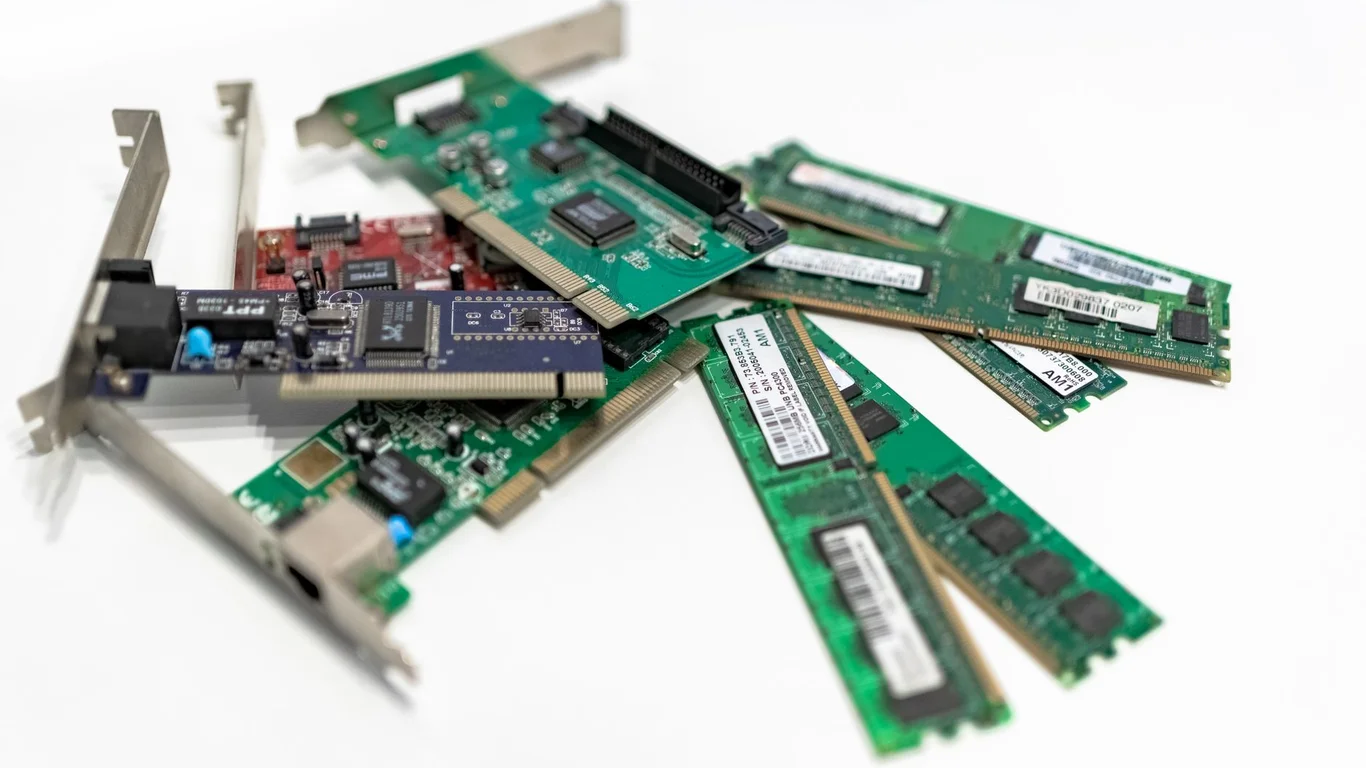
Adding more SATA ports to your NAS build shouldn’t cost a fortune or introduce complexity that undermines your storage pool’s reliability. The best HBA card for a NAS in 2026 is a used enterprise SAS controller flashed to “IT mode,” which presents each drive to the operating system as a raw, individual disk — exactly what ZFS, Unraid, and other software RAID systems require. This guide walks you through why IT mode is non-negotiable, which cards deliver the best value per port, and what else you need (cables, cooling, PCIe slots) to make your upgrade successful.
Why Your ZFS NAS Needs an HBA in IT Mode (Not RAID Mode)
ZFS demands direct, unmediated access to every drive in your pool. It handles redundancy, checksums, and data integrity at the filesystem level — it does not want a hardware RAID controller interfering with that process. If you plug drives into a RAID card still in its default RAID mode, ZFS will see one virtual disk instead of individual drives, breaking its ability to manage the pool.
An HBA (Host Bus Adapter) in IT mode acts as a pure passthrough — it simply extends the PCIe bus to your SATA or SAS drives. This gives ZFS full visibility into each drive’s SMART data, error rates, and capacity. The result is a simpler, more reliable storage stack.
Best HBA Card for NAS: Top Picks for 2026
The used enterprise market is the sweet spot for value. Cards that cost $500+ new a few years ago are now available for $30–$80, offering 8 or 16 ports of reliable SAS/SATA connectivity. Here are the models that consistently perform well in homelab builds.
| Model | Interface | Ports | Typical Price (Used) | Best For |
|---|---|---|---|---|
| LSI 9207-8i / IBM M5110 | PCIe 3.0 x8 | 8 internal (2x SFF-8087) | $30–$50 | Mid-tower builds, 8 drives max |
| LSI 9211-8i / Dell H200/H310 | PCIe 2.0 x8 | 8 internal (2x SFF-8087) | $25–$45 | Budget builds, older hardware |
| LSI 9300-8i / Dell HBA330 | PCIe 3.0 x8 | 8 internal (2x SFF-8643) | $50–$80 | Newer builds, better SAS3 support |
| LSI 9400-16i / Broadcom 9500-16i | PCIe 3.0 x16 | 16 internal (4x SFF-8643) | $100–$180 | High-drive-count NAS, 12+ bays |
Cheap HBA Card for ZFS: LSI 9211-8i and Its Clones
The LSI 9211-8i (rebranded as Dell H200, H310, or IBM M1015) is the classic budget pick. It uses PCIe 2.0 x8, which provides roughly 4 GB/s of bandwidth — enough to saturate 8 SATA SSDs or 8–12 mechanical hard drives. Expect to pay $25–$45 on eBay. The main downside is that it runs hot (often hitting 70–80°C under load without airflow), and its PCIe 2.0 interface can bottleneck a pool of fast NVMe drives.
Pros
- Very cheap per port (~$4/port)
- Well-documented flashing process
- Supports up to 8 drives natively
Cons
- Runs hot — needs active cooling
- PCIe 2.0 limits future SSD upgrades
- Older firmware can be finicky
SAS HBA for TrueNAS: LSI 9300-8i (SAS3)
If your motherboard supports PCIe 3.0, the LSI 9300-8i (or Dell HBA330) is a step up. It doubles the per-lane bandwidth, supports 12 Gbps SAS3 (backward-compatible with SATA), and generally runs cooler than the 9211 generation. It also uses SFF-8643 connectors instead of the older SFF-8087, so you’ll need the corresponding breakout cables. Expect to pay $50–$80.
PCIe Lane and Slot Requirements: Before You Buy
An 8-port HBA needs a PCIe x8 slot physically and electrically. A x16 slot works fine — the card will simply use the first 8 lanes. Do not plug an x8 HBA into an x4 slot (like many M.2-to-PCIe adapters); the card will not have enough bandwidth and may not even be recognized.
- Check your motherboard manual for available PCIe slots and their lane allocation.
- Ensure you have a free x8 or x16 slot that does not share lanes with an NVMe drive or GPU you need.
- If using a mini-ITX board, a PCIe x16 to dual x8 bifurcation riser can let you run an HBA alongside a GPU, but this is advanced and motherboard-dependent.
Cooling Considerations: HBAs Run Hot
Most used enterprise HBAs were designed for server chassis with high-speed fans. In a quiet home NAS, they can overheat without adequate airflow. A 9211-8i can hit 90°C within minutes in a closed case with no fan near the card. At that temperature, the card may throttle, drop drives, or fail permanently.
Three solutions exist:
- Use a low-profile heatsink + 40mm fan: A $5 Noctua NF-A4x20 or similar can be zip-tied to the heatsink, keeping temps under 65°C.
- Position the HBA near a case fan: Mount the card directly in the path of a 120mm or 140mm intake fan.
- Buy a card with a built-in fan: Some LSI 9300-16i cards include a small fan shroud, but they are louder.
sensors or the card’s own utility after installation.Cabling: SFF-8087 and SFF-8643 Breakout Cables
The HBA itself is only half the purchase. You also need breakout cables to connect the card’s ports to your SATA drives. Each SFF-8087 or SFF-8643 port on the card supports 4 drives. So an 8-port HBA has two ports and needs two breakout cables for 8 drives.
Which Cable Do You Need?
| HBA Connector Type | Drive Type | Cable Needed | Typical Price |
|---|---|---|---|
| SFF-8087 | SATA | SFF-8087 to 4x SATA breakout | $8–$15 |
| SFF-8087 | SAS | SFF-8087 to 4x SAS (SFF-8482) breakout | $10–$20 |
| SFF-8643 | SATA | SFF-8643 to 4x SATA breakout | $10–$18 |
| SFF-8643 | SAS | SFF-8643 to 4x SAS (SFF-8482) breakout | $12–$22 |
Flashing an HBA to IT Mode: Quick Overview
Most used HBAs arrive in RAID (IR) mode. Flashing them to IT mode involves booting from a DOS or UEFI USB stick and running a few commands. The exact steps vary by chipset, but the general process is:
Find the IT-mode firmware for your chipset (e.g., LSI 9211-8i uses the 9211-IT firmware). Sources include Broadcom’s official site or community archives.
Use Rufus or balenaEtcher to write a FreeDOS or UEFI shell image to a USB stick, then copy the firmware files onto it.
Boot from the USB, run sas2flsh -o -f firmware.bin (SAS2) or the equivalent for your card. Reboot after success.
Check the boot screen or use the card’s utility to confirm it now shows “IT” or “Initiator” mode.
Many sellers on eBay now offer pre-flashed cards for a small premium ($10–$20 extra). If you are not comfortable with command-line flashing, this is a worthwhile convenience.
Conclusion: Which HBA Should You Choose?
For most homelab builders, the LSI 9207-8i is the best HBA card for a NAS in 2026. It offers 8 ports, PCIe 3.0 bandwidth, easy flashing, and a mature driver ecosystem. If you are on a tight budget and your motherboard only supports PCIe 2.0, the LSI 9211-8i works fine for mechanical drives. For high-density builds (12+ bays), step up to the LSI 9300-16i or 9400-16i. Regardless of your choice, budget $10–$20 for breakout cables and ensure your case has airflow over the card. Pair your HBA with a solid Best CPU for TrueNAS in 2026: From Basic NAS to ZFS Powerhouse and Best HDD for NAS in 2026: Capacity, Reliability & Price Compared for a complete, reliable storage server.
RAID is not a backup — always maintain separate backups of your critical data.
Frequently Asked Questions
Why does ZFS need an HBA in IT mode?
ZFS manages all data redundancy, checksums, and error correction at the filesystem level. If a hardware RAID controller sits between ZFS and the drives, it can mask errors, reorder writes, or present a single virtual disk — all of which prevent ZFS from functioning correctly. IT mode turns the controller into a simple passthrough, giving ZFS direct access to each drive’s raw state and SMART data. Without IT mode, you cannot build a proper ZFS pool.
Can I use a RAID card instead of an HBA for TrueNAS?
You can use a RAID card if you flash it to IT mode (making it function as an HBA). Using a RAID card in its default RAID mode with TrueNAS is strongly discouraged — it will create a single virtual disk, and TrueNAS will have no visibility into individual drive health or error rates. If you cannot flash the card, buy a dedicated HBA instead. Many TrueNAS users have lost data by mixing RAID controllers with ZFS, so this is not a corner to cut.
Do HBA cards need extra cooling?
Yes, most used enterprise HBAs require active airflow. In a typical server chassis, high-speed fans keep these cards at 50–60°C. In a quiet home NAS case, the same card can hit 80–90°C within minutes, leading to thermal throttling, drive drops, or permanent failure. You should either position the HBA directly in front of a case fan or attach a small 40mm fan (like a Noctua NF-A4x20) to its heatsink. Monitor temperatures with software tools after installation.
What cables do I need with an HBA card?
You need breakout cables that match the HBA’s connector type. For cards with SFF-8087 ports (like the LSI 9211-8i or 9207-8i), buy SFF-8087 to 4x SATA breakout cables. For cards with SFF-8643 ports (like the LSI 9300-8i), buy SFF-8643 to 4x SATA breakout cables. Each HBA port supports 4 drives, so an 8-port card needs two cables. Expect to pay $8–$20 per cable. Avoid using adapters or daisy-chaining — direct breakout cables are the simplest and most reliable solution.
Last verified: July 10, 2026. Specifications cross-checked against manufacturer documentation where available.
🛡 Shop Recommended Hardware
Prices and stock verified regularly by our affiliate partners. As an affiliate, HomeLabCost may earn a commission on qualifying purchases at no extra cost to you.
Browse Hardware Picks →
homelabcost
HomeLabCost editor covering NAS builds, hardware selection, and homelab server setup guides.