
Synology vs UGREEN: Established Software or Newer Hardware Value?
 9 min read
1,673 words
9 min read
1,673 words
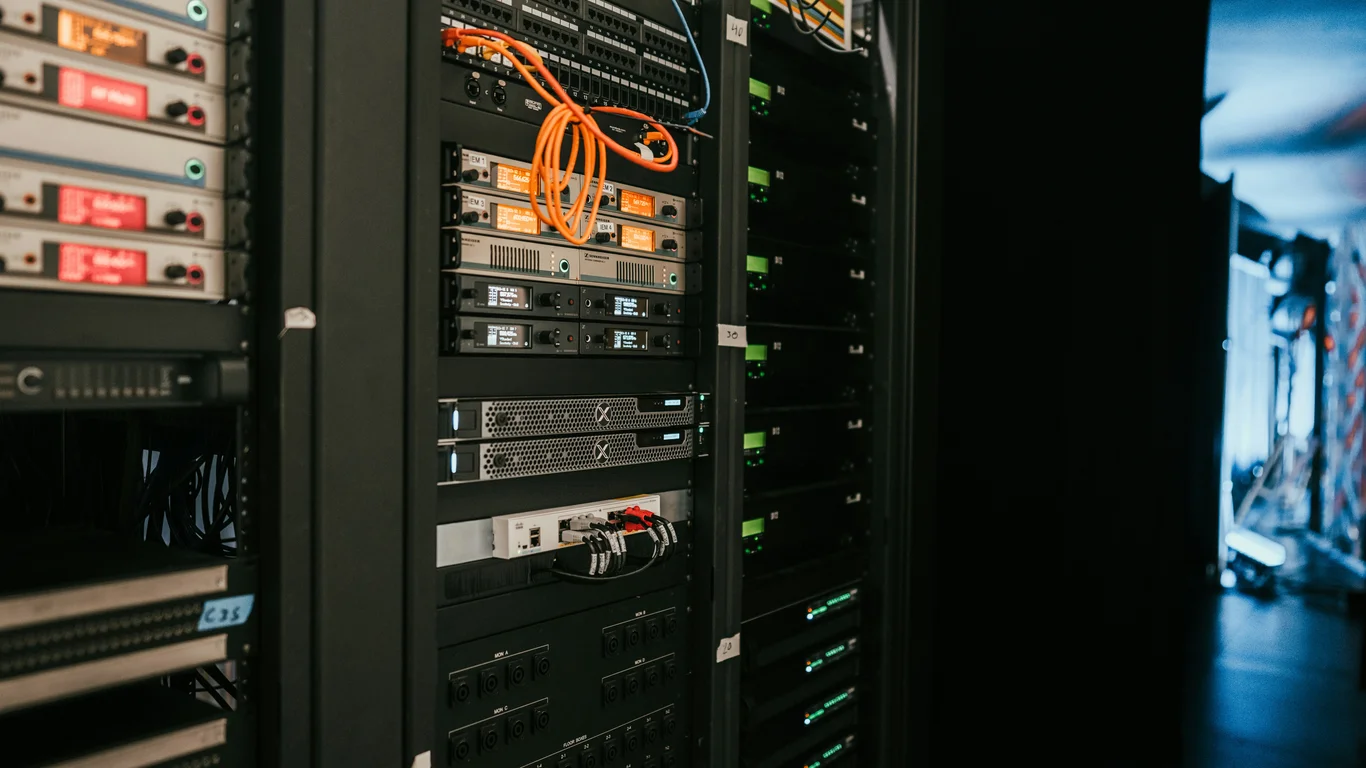
Deciding between Synology and UGREEN for your NAS in 2026 is a genuinely close call. Synology offers a mature, polished software experience (DSM) with a vast app ecosystem, but often pairs it with mid-range hardware and a restrictive drive policy. UGREEN counters with significantly more powerful hardware for the price—modern CPUs, DDR5 RAM—and a completely open drive policy, but its UGOS Pro operating system is still catching up in features and polish. This guide breaks down the trade-offs so you can pick the platform that truly fits your priorities.
Platform Philosophy: UGREEN’s Hardware-First Approach vs Synology’s Software-First Ecosystem
The core difference between these two brands isn’t just about specs—it’s about design philosophy. Synology builds its products around DSM, its operating system. Hardware is selected to run DSM efficiently, not to maximize raw power. This results in stable, energy-efficient systems that are easy to manage, but often use older CPUs and soldered RAM.
UGREEN, in contrast, comes from a hardware-first background. Its NAS units pack modern Intel N-series processors (like the N100 or N305), support for DDR5 RAM (often upgradeable), and dual 2.5GbE ports even on entry-level models. The software, UGOS Pro, is built to showcase this hardware, but it’s still a younger platform.
This isn’t a case where “better hardware” automatically wins. A powerful NAS with unfinished software can be more frustrating than a modest NAS with polished software. The reverse is also true—a polished OS on underpowered hardware can feel sluggish during heavy tasks like running multiple Docker containers or handling 4K transcoding. Your use case determines the winner.
UGOS Pro vs DSM: Software Maturity and Feature Gaps
DSM (Synology DiskStation Manager) is the gold standard for consumer NAS operating systems. It offers a polished, intuitive interface, a vast package center with first-party apps (Photos, Drive, Note Station, Surveillance Station), and deep integration with cloud services. It’s been refined for over a decade.
UGOS Pro has made rapid strides. It now includes a solid Docker implementation, native snapshot support (using Btrfs), and first-party apps for Photos, Files, and Surveillance. The interface is clean and responsive. However, it still lags behind DSM in several areas: third-party app availability is smaller, the package management system is less mature, and advanced features like hybrid cloud sync or advanced backup tools are less developed.
UGOS Pro Strengths
- Modern Linux kernel (better Docker/compatibility)
- Native Docker Compose support
- Btrfs snapshots with rollback
- Active development with frequent updates
DSM Strengths
- Mature, bug-tested interface
- Vast first-party app ecosystem
- Deep cloud sync integrations
- Active community support and knowledge base
Key Software Feature Comparison
| Feature | UGOS Pro (UGREEN) | DSM (Synology) |
|---|---|---|
| File System | Btrfs | Btrfs / ext4 |
| Snapshots | Yes (Btrfs) | Yes (Btrfs) |
| Docker Support | Native Docker + Compose | Docker (via Package Center) |
| First-Party Apps | Photos, Files, Surveillance, Drive | Photos, Drive, Note Station, Surveillance Station, Audio Station, Video Station, and more |
| Cloud Sync | Basic (WebDAV, S3) | Advanced (Cloud Sync with many providers) |
| Virtualization | No native VM support | Virtual Machine Manager |
| Mobile Apps | Good (UGREEN NAS) | Excellent (DS finder, DS file, DS photo, etc.) |
If your workflow relies heavily on Synology’s specific apps (like Note Station, Audio Station, or active backup for business), DSM remains the safer choice. If you primarily need a file server, Docker host, and media server, UGOS Pro is already competitive.
Drive Policy: Open Compatibility vs Synology’s Locked Ecosystem
This is one of the most contentious differences. UGREEN explicitly supports any CMR (Conventional Magnetic Recording) hard drive and any NVMe SSD. You can install drives from Seagate, WD, Toshiba, or any other brand without compatibility warnings or feature restrictions.
Synology, particularly on its newer Plus-series models (like the DS923+ and DS1522+), has implemented a drive compatibility list that restricts certain features (like SMART monitoring and firmware updates) for non-Synology-branded drives. While you can still use third-party drives, you may see warning messages and lose some functionality.
Model Showdown: DXP4800 Plus vs DS923+
Let’s look at the most direct comparison for a 4-bay, plug-and-play buyer. The UGREEN DXP4800 Plus and Synology DS923+ are both ~$500–$600 (without drives).
| Spec | UGREEN DXP4800 Plus | Synology DS923+ |
|---|---|---|
| CPU | Intel N100 (4-core, 4-thread, 3.4 GHz) | AMD Ryzen R1600 (2-core, 4-thread, 2.6 GHz) |
| RAM | 8GB DDR5 (upgradable to 16GB) | 4GB DDR4 ECC (non-upgradable on most units) |
| Networking | 2x 2.5GbE | 1x 1GbE (2.5GbE optional via add-in card) |
| M.2 Slots | 2x NVMe (for cache or storage) | 2x NVMe (cache only, not storage) |
| Drive Policy | Open (any CMR drive) | Restricted (Synology-approved drives recommended) |
| OS | UGOS Pro | DSM 7.x |
| Idle Power | ~15–20W (with drives) | ~20–25W (with drives) |
| Price (no drives) | ~$550 | ~$600 |
The DXP4800 Plus’s Intel N100 processor supports hardware transcoding (Quick Sync Video), making it a better Plex or Jellyfin media server. The DS923+’s AMD Ryzen does not have an iGPU, so transcoding must be done in software, which is much slower. This is a critical difference for media enthusiasts.
Who Should Default to Synology in 2026?
Synology remains the best choice if you:
- Need a “set it and forget it” system with a mature, well-documented interface.
- Rely on specific Synology apps (Surveillance Station for IP cameras, Note Station for personal notes, Active Backup for business).
- Want the largest community and third-party support for troubleshooting and guides.
- Are a beginner who values a polished, guided setup experience over raw specs.
- Need native virtualization (Virtual Machine Manager) within the NAS OS.
Who UGREEN Now Genuinely Wins Over
UGREEN is the smarter choice if you:
- Want better hardware for the money—faster CPU, more RAM, dual 2.5GbE out of the box.
- Plan to run Docker containers, VMs (via Proxmox or another hypervisor), or a media server (Plex/Jellyfin) that benefits from Intel Quick Sync.
- Value drive freedom—you want to use any brand of CMR drive without restrictions.
- Are comfortable with a slightly less mature OS that is rapidly improving.
- Want to save money on drives and avoid vendor lock-in.
If you’re considering running a hypervisor on your NAS hardware (e.g., installing Proxmox on a UGREEN unit to run TrueNAS as a VM), UGREEN’s open hardware and standard components make this much easier. Synology’s proprietary hardware and boot process make this significantly harder. Check our Best Hypervisor for Homelab in 2026 guide for more on this approach.
Power Consumption and Running Costs
Power draw is a key consideration for a 24/7 NAS. The DXP4800 Plus with its Intel N100 is slightly more efficient at idle than the DS923+ with its AMD Ryzen. Real-world idle power (with 4x HDDs) is around 15–20W for the UGREEN vs 20–25W for the Synology. Over a year, the difference is roughly $10–$20 in electricity, depending on your rates. For a detailed breakdown of annual costs, see our guide on How Much Does It Cost to Run a NAS?.
Bottom Line: Which Should You Choose, Synology or UGREEN?
There is no universal winner here. Choose Synology if you value software maturity, a vast app ecosystem, and a proven, beginner-friendly experience—even if it means paying more for drives and getting less hardware. Choose UGREEN if you want better hardware for the price, an open drive policy, and are comfortable with a rapidly maturing OS that already handles core NAS tasks well. For most homelab enthusiasts who plan to run Docker, a media server, or a hypervisor, UGREEN offers better value in 2026. For pure plug-and-play simplicity with the widest app support, Synology still leads.
Frequently Asked Questions
Is UGREEN NAS software as good as Synology DSM yet?
Not quite, but it’s getting close. UGOS Pro now offers essential features like Btrfs snapshots, native Docker support, and first-party apps for photos, files, and surveillance. For core NAS tasks—file sharing, media serving, Docker containers—it’s already competitive. However, DSM still has a wider first-party app ecosystem, more mature cloud sync integrations, and a larger community knowledge base. If you rely on specific Synology apps like Note Station or Active Backup for Business, DSM remains the better choice. For most homelab users, the gap is narrowing fast.
Does UGREEN NAS support any hard drive brand?
Yes, UGREEN officially supports any CMR (Conventional Magnetic Recording) hard drive from any brand—Seagate, WD, Toshiba, or others. There are no compatibility warnings, no feature restrictions, and no “approved” drive lists. You can also use any NVMe SSD in the M.2 slots for cache or even as primary storage. This is a major advantage over Synology, which increasingly restricts features like SMART monitoring and firmware updates to its own branded drives on newer models. UGREEN’s open policy gives you freedom and can save you $50–$100 per drive.
Which has better hardware for the price, UGREEN or Synology?
UGREEN consistently offers better hardware for the same or lower price. For example, the UGREEN DXP4800 Plus (~$550) includes an Intel N100 processor, 8GB of DDR5 RAM, and dual 2.5GbE ports out of the box. The comparable Synology DS923+ (~$600) has a slower AMD Ryzen R1600, 4GB of non-upgradable DDR4 RAM, and only a single 1GbE port. UGREEN also supports NVMe storage in M.2 slots, while Synology often restricts M.2 to cache-only. If raw hardware specs matter, UGREEN is the clear winner in this price range.
Is UGREEN a safe first NAS brand to buy in 2026?
Yes, UGREEN is a safe choice for a first NAS in 2026, with some caveats. The hardware is excellent, the build quality is solid, and UGOS Pro is user-friendly for basic tasks like file sharing and media streaming. The active development pace means new features are added regularly. However, if you are a complete beginner who wants the most guided, “set it and forget it” experience with the largest online community for troubleshooting, Synology DSM is still the safer bet. UGREEN is a great choice if you are comfortable learning a newer platform and value hardware value over software polish.
Last verified: July 09, 2026. Specifications cross-checked against manufacturer documentation where available.
🛡 Shop Recommended Hardware
Prices and stock verified regularly by our affiliate partners. As an affiliate, HomeLabCost may earn a commission on qualifying purchases at no extra cost to you.
Browse Hardware Picks →
homelabcost
HomeLabCost editor covering NAS builds, hardware selection, and homelab server setup guides.