
Best Hypervisor for Homelab in 2026: Proxmox vs ESXi vs Hyper-V
 9 min read
1,626 words
9 min read
1,626 words
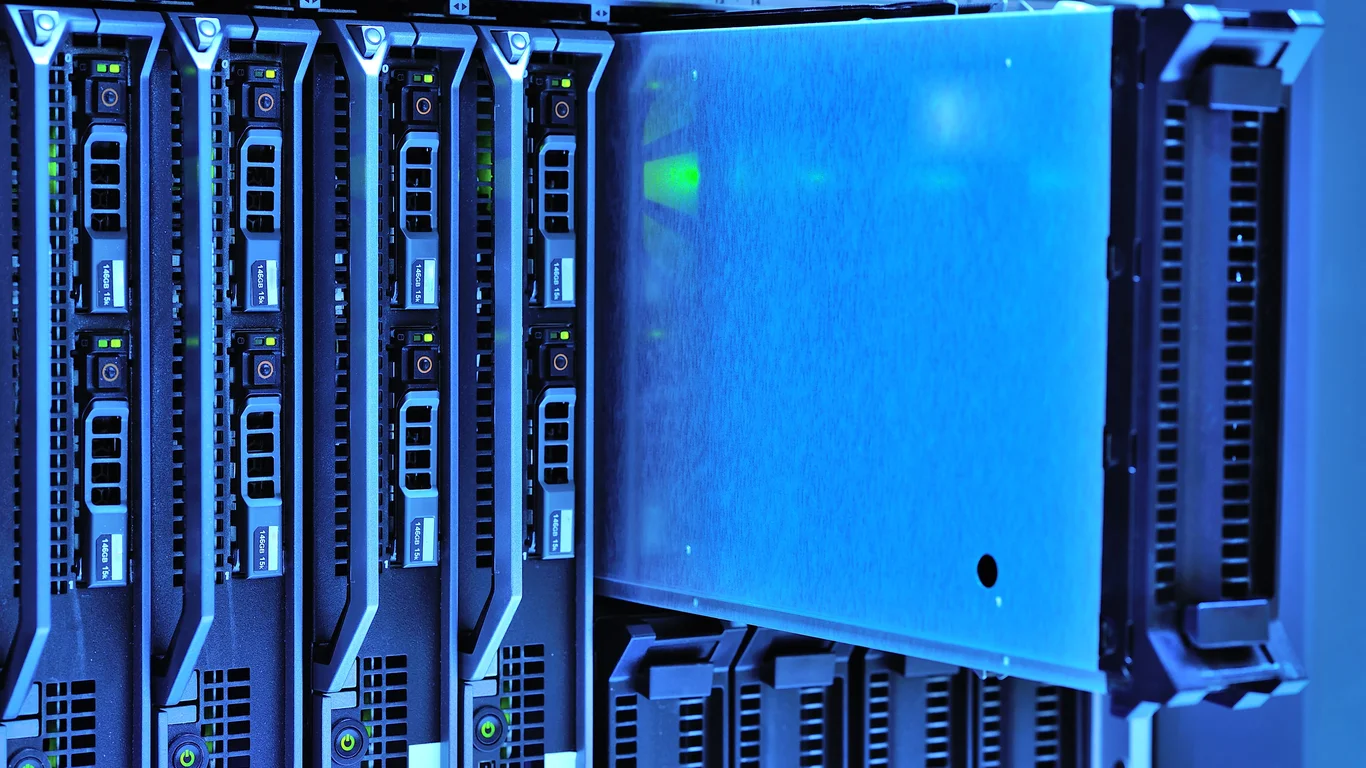
If you are building or upgrading a homelab in 2026, the hypervisor decision has narrowed significantly. The Broadcom acquisition of VMware killed the free ESXi tier, pushing most hobbyists and self-hosters toward Proxmox VE as the default choice. This guide compares Proxmox, ESXi (now vSphere), and Hyper-V across cost, hardware support, and flexibility so you can pick the right platform for your specific lab goals.
Why ESXi’s Free Tier Disappeared and What It Means for Homelabbers
In early 2024, Broadcom acquired VMware and quickly restructured licensing. The free vSphere Hypervisor (ESXi) was discontinued. Existing free licenses still work, but new installations require a paid subscription. For a homelab, the cheapest legal option is VMUG Advantage, which costs roughly $200/year and includes licenses for vSphere, vSAN, and NSX. That price point pushes many homelabbers toward free alternatives.
Warning:
Running an unlicensed ESXi 8.x host is a violation of VMware’s terms. Broadcom has been more aggressive about compliance checks than VMware was, so sticking with a free alternative is the safer path.
If you already have a homelab running ESXi 7.0 or 8.0 on a free license, it will continue working. But you cannot upgrade to new major versions or apply patches without a subscription. This effectively freezes your environment and leaves you exposed to security vulnerabilities.
Proxmox VE: The Default Free Hypervisor for Homelabs
Proxmox VE is a Debian-based platform that combines KVM for virtual machines and LXC for containers in a single web interface. It has become the most recommended free hypervisor homelab option because it costs nothing, supports broad hardware, and offers features that rival paid products.
Proxmox vs ESXi Homelab: Flexibility and Cost
Proxmox Advantages
- Completely free with no feature restrictions
- Supports both VMs (KVM) and containers (LXC)
- Runs on almost any x86 hardware, including consumer-grade CPUs
- Built-in ZFS and Ceph storage support
- Active community and frequent updates
Proxmox Disadvantages
- No native vMotion — live migration works but is less polished
- No official support without a subscription (€95/year for community)
- Web UI is functional but less polished than vSphere
For most homelabbers, Proxmox wins on value. You can run a multi-node cluster with shared storage using ZFS replication or Ceph, all without spending a dollar. The learning curve is moderate — if you understand Linux and basic networking, you will be productive within a weekend.
💾 Expert Note:
Proxmox’s LXC containers use the host kernel, which gives them near-native performance for Linux services like Plex, Home Assistant, or a DNS server. This is a major advantage over ESXi, which requires a full VM for every workload. You can run 10-15 LXC containers on a Intel N100 vs N305 for a NAS: Is the Upgrade Worth It?-class processor without breaking a sweat.
Proxmox vs Hyper-V: Linux-Native vs Windows-Centric
Hyper-V is a Type-1 hypervisor built into Windows Server and Windows Pro/Enterprise. It is the best choice if you are already running Windows Server or need tight Active Directory integration. However, for a pure homelab, Hyper-V has limitations.
| Feature | Proxmox | Hyper-V |
|---|---|---|
| Cost | Free (optional subscription) | Free with Windows, but Windows license costs $50-$200 |
| Container support | Native LXC | No native containers (Docker runs in a VM) |
| Storage | ZFS, LVM, Ceph, NFS | NTFS, ReFS, SMB, iSCSI |
| GPU passthrough | Excellent (VFIO) | Good (DDA) but requires Windows Server |
| Management | Web GUI + CLI | Hyper-V Manager or Windows Admin Center |
If you run a Windows-centric homelab with Active Directory, Exchange, or other Microsoft workloads, Hyper-V makes sense. But for a mixed-environment lab running Linux, Docker, and storage services, Proxmox is more flexible and less expensive.
ESXi (vSphere) in 2026: When Is It Worth the Cost?
Despite the licensing change, vSphere remains the gold standard for enterprise virtualization. If your homelab goal is to learn skills that transfer directly to a job, paying for VMUG Advantage ($200/year) is a reasonable investment. You get full vCenter, vSAN, and NSX licenses for up to 6 CPUs.
ESXi still has advantages in hardware compatibility lists (HCL) — if you are running enterprise-grade servers from Dell, HPE, or Supermicro, ESXi is tested and certified. But on consumer hardware like an Intel NUC or a Ryzen desktop, Proxmox is more likely to work out of the box. ESXi has notoriously picky NIC and storage controller support.
Hardware Compatibility: What Runs Best on Each Hypervisor
The best hypervisor for homelab depends heavily on what hardware you have or plan to buy. Here is a quick compatibility guide:
- Proxmox: Works on almost any x86-64 CPU from 2010 or newer. Intel and AMD are both well-supported. NICs like Intel i225/i226, Realtek 8125, and most server-grade Broadcom/Emulex adapters work. NVIDIA GPU passthrough is possible but requires kernel parameters.
- ESXi (vSphere): Requires compatible NICs and storage controllers from the VMware HCL. Realtek NICs are not supported. Intel I219/I210 work. GPU passthrough requires compatible AMD or NVIDIA cards (consumer cards need driver hacks).
- Hyper-V: Runs on any Windows-compatible hardware. GPU passthrough (DDA) requires Windows Server and compatible GPU. Consumer GPUs are difficult to pass through.
If you are building a low-power NAS or server, Proxmox is the safest bet. It pairs well with the Best CPU for TrueNAS in 2026: From Basic NAS to ZFS Powerhouse guide — many of those CPUs (like the Intel N100 or AMD Ryzen 5 5600G) work perfectly with Proxmox.
Storage and Backup: How Each Hypervisor Handles Data
Storage is a critical differentiator. Proxmox has native ZFS support, which gives you RAID-like redundancy, snapshots, and compression without additional software. ESXi relies on VMFS and requires a separate SAN or NAS for shared storage. Hyper-V uses NTFS or ReFS and can connect to SMB shares. RAID is not a backup, so always maintain separate backups of critical data.
For backup, Proxmox has built-in vzdump that can back up VMs and containers to any storage target. ESXi requires Veeam (free version available for up to 10 VMs) or similar third-party tools. Hyper-V has Windows Server Backup or can use Veeam as well.
Tip:
If you are running Proxmox and want to minimize power usage, check the How to Reduce Your NAS’s Power Consumption (Without Losing Performance) guide. Many of those tips — like using SSD caches or tuning CPU governors — apply directly to Proxmox hosts.
Which Hypervisor Should You Choose?
Here is the short version for each use case:
Choose Proxmox If…
- You want a free, flexible platform for Linux VMs and containers
- You have consumer or older hardware
- You want to learn ZFS, Ceph, or clustering
- You plan to run Docker, Home Assistant, Plex, or a NAS
Choose ESXi/vSphere If…
- You need enterprise skills for your job
- You have certified server hardware and can afford $200/year
- You rely on vCenter features like DRS, HA, or vMotion
Choose Hyper-V If…
- You are already running Windows Server
- You need tight Active Directory integration
- You run Microsoft workloads (Exchange, SQL Server, SharePoint)
Bottom Line: The Best Hypervisor for a Homelab in 2026
For 90% of homelabbers, Proxmox VE is the clear winner. It is free, runs on almost any hardware, supports both VMs and containers, and has a large community. ESXi is only worth the cost if you are specifically training for enterprise roles or have hardware that requires it. Hyper-V is a niche pick for Windows-centric environments.
Start with Proxmox. If you later decide you need vSphere features, you can migrate — but most people never need to. Pair it with a TrueNAS vs Unraid: Which Should You Run in 2026? comparison to decide your storage platform, and you will have a powerful, low-cost homelab that can handle anything from media serving to Kubernetes clusters.
Frequently Asked Questions
Is ESXi still free for home use?
No, the free vSphere Hypervisor (ESXi) tier was discontinued after Broadcom acquired VMware in 2024. Existing free licenses continue to work on current versions, but you cannot install new hosts or apply major version upgrades without a paid subscription. The cheapest legal option for home use is VMUG Advantage at roughly $200 per year, which includes licenses for vSphere, vSAN, and NSX for up to 6 CPUs.
Why do most homelabbers now recommend Proxmox over ESXi?
Proxmox is free, has no feature restrictions, and runs on a much wider range of hardware than ESXi. It supports both KVM virtual machines and LXC containers, which makes it more efficient for running many services on modest hardware. The community is large and active, and Proxmox receives regular updates. For most homelab use cases — media servers, home automation, development environments, or storage — Proxmox provides everything ESXi did at zero cost.
Does Proxmox support Docker and LXC containers?
Yes. Proxmox has native LXC container support built into the web interface. You can create, manage, and snapshot Linux containers directly. For Docker, the recommended approach is to run Docker inside a lightweight LXC container or a small KVM virtual machine. Many users run a single Ubuntu VM with Docker Compose for their containerized services, or they use TurnKey Linux templates that include Docker pre-installed.
Is Hyper-V good enough for a homelab?
Hyper-V is a capable Type-1 hypervisor and is a good choice if you are already running Windows Server or need Active Directory integration. It lacks native container support (Docker must run in a VM), and its storage options are less flexible than Proxmox’s ZFS integration. For a mixed-environment homelab running Linux, Docker, and storage services, Proxmox is more versatile and less expensive. Hyper-V shines when your primary workloads are Microsoft-based.
📋 Sources & Last Verified:
Last verified: July 09, 2026. Specifications cross-checked against manufacturer documentation where available.
🛡 Shop Recommended Hardware
Prices and stock verified regularly by our affiliate partners. As an affiliate, HomeLabCost may earn a commission on qualifying purchases at no extra cost to you.
Browse Hardware Picks →
homelabcost
HomeLabCost editor covering NAS builds, hardware selection, and homelab server setup guides.
One Comment