
Ryzen 5 5600G vs Intel N100 for a NAS: Power vs Efficiency
 9 min read
1,756 words
9 min read
1,756 words
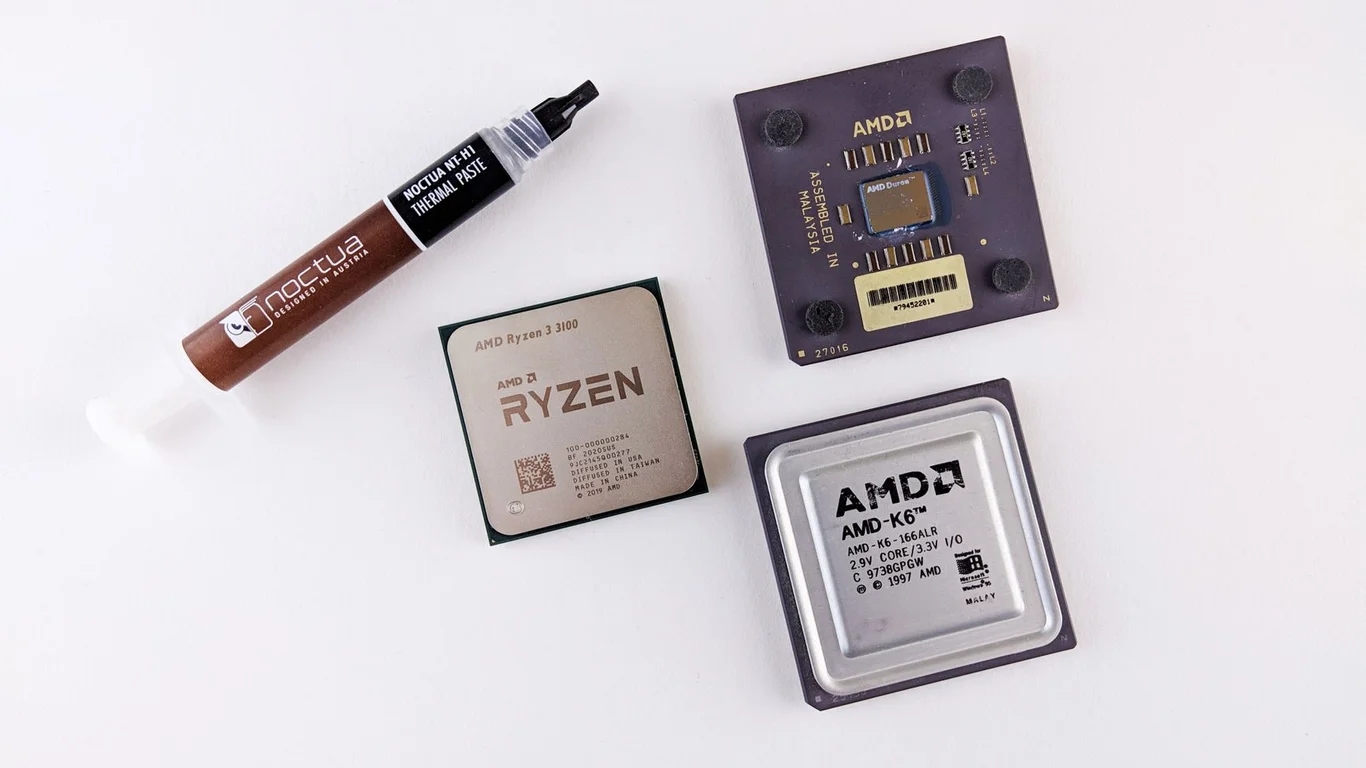
Choosing between an AMD Ryzen 5 5600G and an Intel N100 for your NAS comes down to a single trade-off: raw processing power versus ultra-low power consumption. The 5600G delivers roughly 4-5x the multi-threaded performance of the N100, but it also draws 6-10x the power at idle. This guide breaks down exactly where each chip excels, what you’ll actually pay in electricity, and which one fits your specific homelab workload — whether you’re running a simple file server or a multi-VM Proxmox host.
Ryzen 5 5600G vs Intel N100 NAS: The Core Specs at a Glance
Before diving into workloads, here’s the raw hardware comparison. These numbers define the ceiling for each platform.
| Specification | AMD Ryzen 5 5600G | Intel N100 |
|---|---|---|
| Cores / Threads | 6 / 12 | 4 / 4 |
| Base / Boost Clock | 3.9 / 4.4 GHz | 1.0 / 3.4 GHz |
| TDP (Thermal Design Power) | 65W | 6W |
| Typical Platform Idle Power | 30-45W (with drives) | 8-15W (with drives) |
| Integrated GPU | Vega 7 | Intel UHD (24 EUs) |
| Memory Support | DDR4-3200 (dual channel) | DDR4/DDR5-4800 (single channel) |
| PCIe Lanes | 20 (PCIe 3.0) | 9 (PCIe 3.0) |
| Hardware Transcoding | No (no Quick Sync) | Yes (Quick Sync AV1/H.265) |
| Typical Platform Cost (CPU+board+RAM) | $180-250 | $100-160 (mini PC or board) |
Good to Know:
The N100’s single-channel memory is a real bottleneck for memory bandwidth-sensitive workloads like ZFS compression or multiple VMs. The 5600G’s dual-channel DDR4 gives it a clear edge here, even before counting raw core count.
N100 vs 5600G Power Consumption: What Will You Actually Pay?
This is the single biggest differentiator. The N100 sips power, while the 5600G drinks it. For a 24/7 NAS, the annual cost difference is significant.
Real-World Idle Power Draw
A complete N100 mini PC or motherboard+RAM combo idles at 6-10W from the wall. Add 2-4 SATA HDDs, and you’re looking at 15-25W total. A 5600G system with the same drives typically idles at 35-50W — the CPU package alone draws 15-25W at idle, plus the chipset and higher VRM overhead.
Annual Electricity Cost Comparison
Assuming $0.13/kWh (US average) and 24/7 operation:
| Scenario | N100 System | 5600G System |
|---|---|---|
| Idle (4 drives) | ~20W → $23/year | ~45W → $51/year |
| Light Load (file serving + 1 VM) | ~25W → $28/year | ~55W → $63/year |
| Heavy Load (Plex transcode + 3 VMs) | ~30W → $34/year | ~80W → $91/year |
| Full Load (all cores 100%) | ~35W → $40/year | ~120W → $137/year |
Tip:
If your electricity rate is $0.25/kWh or higher (common in parts of Europe and California), the 5600G’s annual cost jumps to $180-275 at heavy load — that’s enough to buy a replacement N100 mini PC every 18 months. Check out our guide on how to reduce NAS power consumption for more optimization strategies.
Which CPU for Homelab NAS: Matching the Chip to Your Workload
The “right” choice depends entirely on what you’re doing. Here’s how each chip performs in specific NAS scenarios.
Simple File Serving (SMB/NFS) + Basic Docker
If your NAS serves files to a few clients, runs a Plex server for direct play, and maybe hosts 3-5 Docker containers (Pi-hole, Home Assistant, file sync), the N100 is the obvious pick. It handles all of this at 15-25W total system power. The 5600G offers no tangible benefit here — file serving is mostly I/O bound, not CPU bound. The N100’s Quick Sync also handles Plex transcoding better than the 5600G’s Vega GPU.
Good Fit: N100
- File serving + 3-5 Docker containers
- Plex/Jellyfin with hardware transcoding
- Lowest power cost
Overkill: 5600G
- No performance gain in basic file serving
- 2-3x higher electricity bill for no benefit
- Higher upfront platform cost
5600G vs N100 Proxmox: VM and Container Density
This is where the gap widens dramatically. The 5600G’s 6 cores / 12 threads can comfortably run 6-10 lightweight Linux VMs or LXC containers, plus a TrueNAS VM with passed-through drives. The N100’s 4 cores / 4 threads, combined with single-channel memory, starts choking at 3-4 VMs with moderate load.
If you’re running a TrueNAS VM with ZFS, the 5600G’s dual-channel memory bandwidth also matters — ZFS performs significantly better with more RAM bandwidth, especially under deduplication or compression-heavy workloads. See our best CPU for TrueNAS guide for more on this.
Plex Transcoding and Media Serving
This is a surprising win for the N100. Intel’s Quick Sync engine on the N100 handles 4-6 simultaneous 1080p transcodes or 1-2 4K HDR transcodes with hardware acceleration. The 5600G’s Vega GPU lacks hardware encoding/decoding for modern codecs (H.265, AV1), so it relies on software transcoding, which uses 3-4x the CPU resources. For a dedicated media server, the N100 is the better choice — unless you need to transcode 10+ simultaneous streams, in which case the 5600G’s raw CPU power can still manage via software.
Real-World Build Scenarios: Cost Breakdown
Here’s what each platform costs to build, including the annual power difference.
| Component | N100 Build | 5600G Build |
|---|---|---|
| CPU + Motherboard + RAM | $140 (Mini PC or board) | $230 (5600G + B550 board + 16GB DDR4) |
| Case + PSU | Included (mini PC) or $50 | $100 (mATX case + 300W PSU) |
| Storage (4x 4TB HDD) | $320 | $320 |
| Boot Drive (NVMe) | $25 (128GB) | $25 (128GB) |
| Total Hardware Cost | $485-535 | $675 |
| Annual Power Cost (light load) | $28 | $63 |
| 3-Year Total (hardware + power) | $569-619 | $864 |
💾 Expert Note:
The 5600G’s higher PCIe lane count (20 vs 9) matters if you plan to add a 10GbE NIC, HBA card, or multiple NVMe drives. The N100’s limited lanes force you to choose — you can have a 10GbE card OR a second NVMe, but not both without sacrificing SATA ports. For a pure file server this rarely matters, but for a Proxmox hypervisor it’s a real constraint.
Software Considerations: TrueNAS, Unraid, and Proxmox
Both CPUs work with all major NAS operating systems, but there are platform-specific quirks to know.
TrueNAS on 5600G vs N100
TrueNAS Scale (Linux-based) runs well on both. The 5600G handles ZFS deduplication and compression better due to more RAM bandwidth and CPU grunt. The N100 runs TrueNAS fine for basic file serving, but don’t expect to run multiple jails or VMs alongside ZFS without slowdowns. For a dedicated TrueNAS box with 4-6 drives and basic sharing, the N100 is sufficient. For TrueNAS with VMs, plugins, or high-throughput ZFS, the 5600G is the safer bet. Compare our TrueNAS vs Unraid guide for more on which OS fits your use case.
Unraid on N100
Unraid is a great match for the N100 because it doesn’t require the CPU to do parity calculations during writes (parity is handled by the array’s parity drive). The N100 handles Unraid’s Docker and basic VM needs well, and Quick Sync works natively for Plex transcoding. The 5600G offers no advantage in Unraid’s parity-based array, but gives you headroom for more VMs.
Proxmox on 5600G
If you’re building a Proxmox host that runs TrueNAS as a VM, plus 3-5 other VMs (Ubuntu server, Home Assistant, Pi-hole, a game server), the 5600G is the clear winner. The N100 will run out of CPU and memory bandwidth at 4-5 VMs. The 5600G handles 8-10 lightweight VMs comfortably.
Bottom Line: Which Should You Choose?
Pick the Intel N100 if your NAS is primarily a file server, media server with hardware transcoding, or Docker host with 3-5 containers. The power savings alone will save you $50-100/year over the 5600G, and the upfront cost is lower. It’s the right choice for 80% of home NAS builders.
Pick the Ryzen 5 5600G if you’re running a Proxmox hypervisor with 5+ VMs, need raw CPU power for transcoding or compilation, or plan to run ZFS with deduplication and high throughput. The higher power cost is justified by the 2-3x performance headroom. It’s the right choice for homelab enthusiasts who want a single box that does everything.
For most readers, the N100 wins on value — but if you’re already considering the 5600G, you likely have a workload that needs it. Don’t overspend on power for a simple file server.
Frequently Asked Questions
Is the Ryzen 5 5600G worth the extra power draw over the N100?
It depends entirely on your workload. For a simple file server or media server with hardware transcoding, the 5600G’s extra power draw ($50-100/year more) offers no real benefit — the N100 handles those tasks at a fraction of the electricity cost. However, if you’re running a Proxmox host with 5+ VMs, need to compile code, or require maximum ZFS performance with deduplication, the 5600G’s 6 cores and dual-channel memory make the power premium worthwhile. The break-even point is roughly 4-5 concurrent VMs or heavy transcoding loads.
Can the N100 handle Proxmox with several VMs?
Yes, but with limits. The N100’s 4 cores and single-channel DDR4 can comfortably run 2-3 lightweight VMs (like Pi-hole, Home Assistant, and a basic Ubuntu server) alongside a few LXC containers. Once you push past 4 VMs with moderate CPU load, you’ll notice contention — especially if any VM runs ZFS or does transcoding. The 5600G handles 2-3x the VM density before hitting similar bottlenecks. For a Proxmox host with 5+ VMs, the N100 will feel cramped, while the 5600G offers comfortable headroom.
Which is better for a simple file-serving NAS?
The Intel N100 is the better choice for a simple file-serving NAS. File serving (SMB, NFS, FTP) is primarily I/O-bound, not CPU-bound — both CPUs will saturate a 1GbE link with ease. The N100 draws 6-10W at idle compared to the 5600G’s 30-45W, saving you $50-100/year in electricity. The N100 also includes Quick Sync hardware transcoding, which is useful if you add Plex or Jellyfin later. The 5600G offers no performance advantage for basic file serving, making the N100 the more cost-effective and power-efficient option.
How much more does a 5600G cost to run per year than an N100?
At $0.13/kWh (US average), a 5600G system running 24/7 at light load costs roughly $63/year in electricity, while an equivalent N100 system costs $28/year — a difference of $35/year. Under heavy load (all cores busy, multiple VMs, transcoding), the gap widens: the 5600G costs ~$137/year versus the N100’s ~$40/year, a $97/year difference. At higher electricity rates ($0.25/kWh), the 5600G can cost $180-275/year under heavy load, making the N100’s $50-80/year look dramatically cheaper. Over 3-5 years, the power savings from the N100 can exceed the upfront hardware cost difference.
📋 Sources & Last Verified:
Last verified: July 09, 2026. Specifications cross-checked against manufacturer documentation where available.
🛡 Shop Recommended Hardware
Prices and stock verified regularly by our affiliate partners. As an affiliate, HomeLabCost may earn a commission on qualifying purchases at no extra cost to you.
Browse Hardware Picks →
homelabcost
HomeLabCost editor covering NAS builds, hardware selection, and homelab server setup guides.
3 Comments